
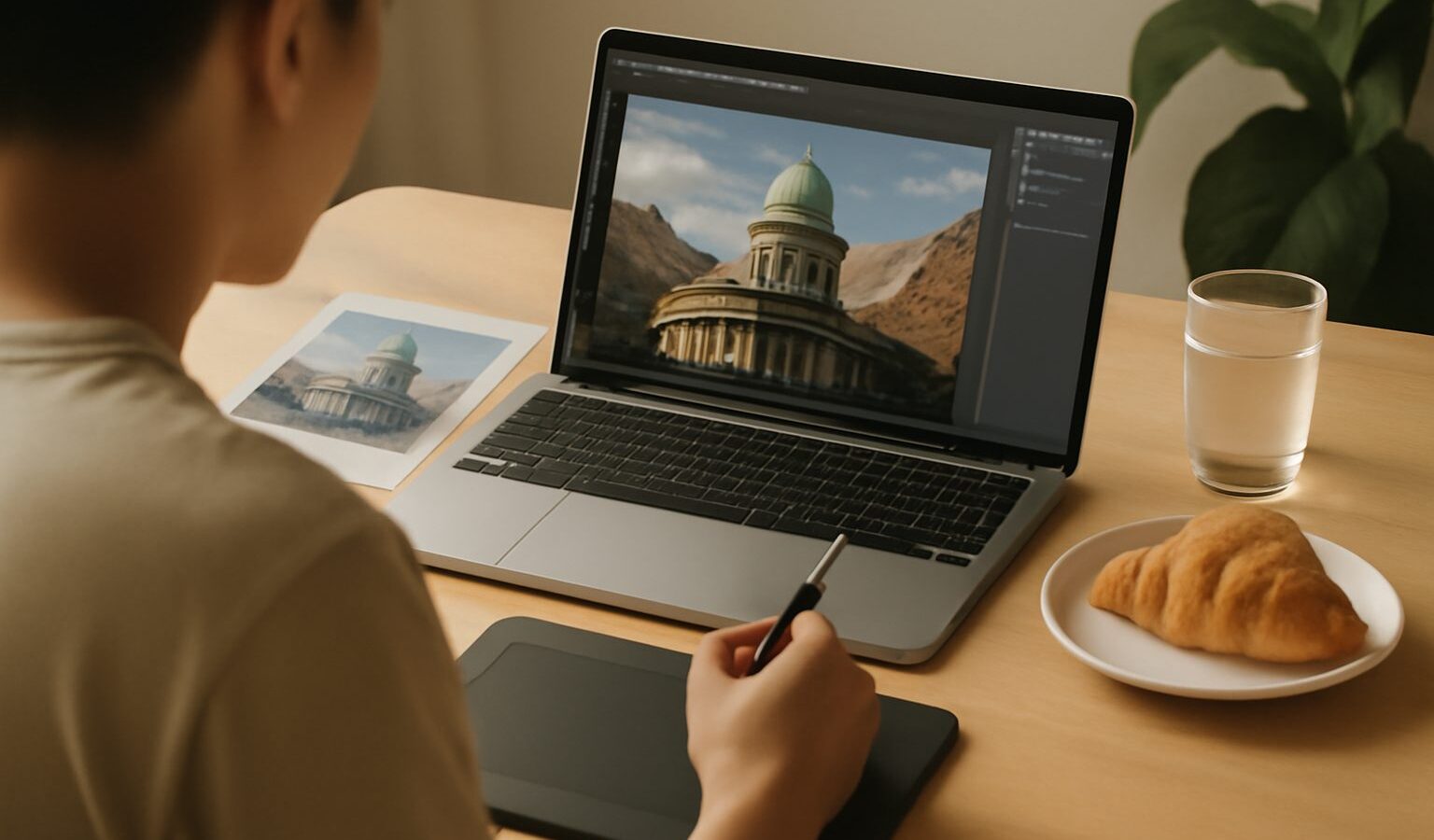
A photo composite is a single picture built from two or more images blended together. Learning to make a photo composite in Singapore opens up creative doors: you can drop a dramatic sky behind a flat cityscape, combine several exposures of a moving subject, or build a surreal scene that never existed in one moment. It is a rewarding skill, and it is also one where a little honesty goes a long way, since compositing changes what the photo shows.
This guide walks through the core method, the tools you will use, and the ethics that keep your work trustworthy. You do not need to be an expert. If you can open an image editor and stack a couple of layers, you can start today.
The Building Blocks: Layers and Masks
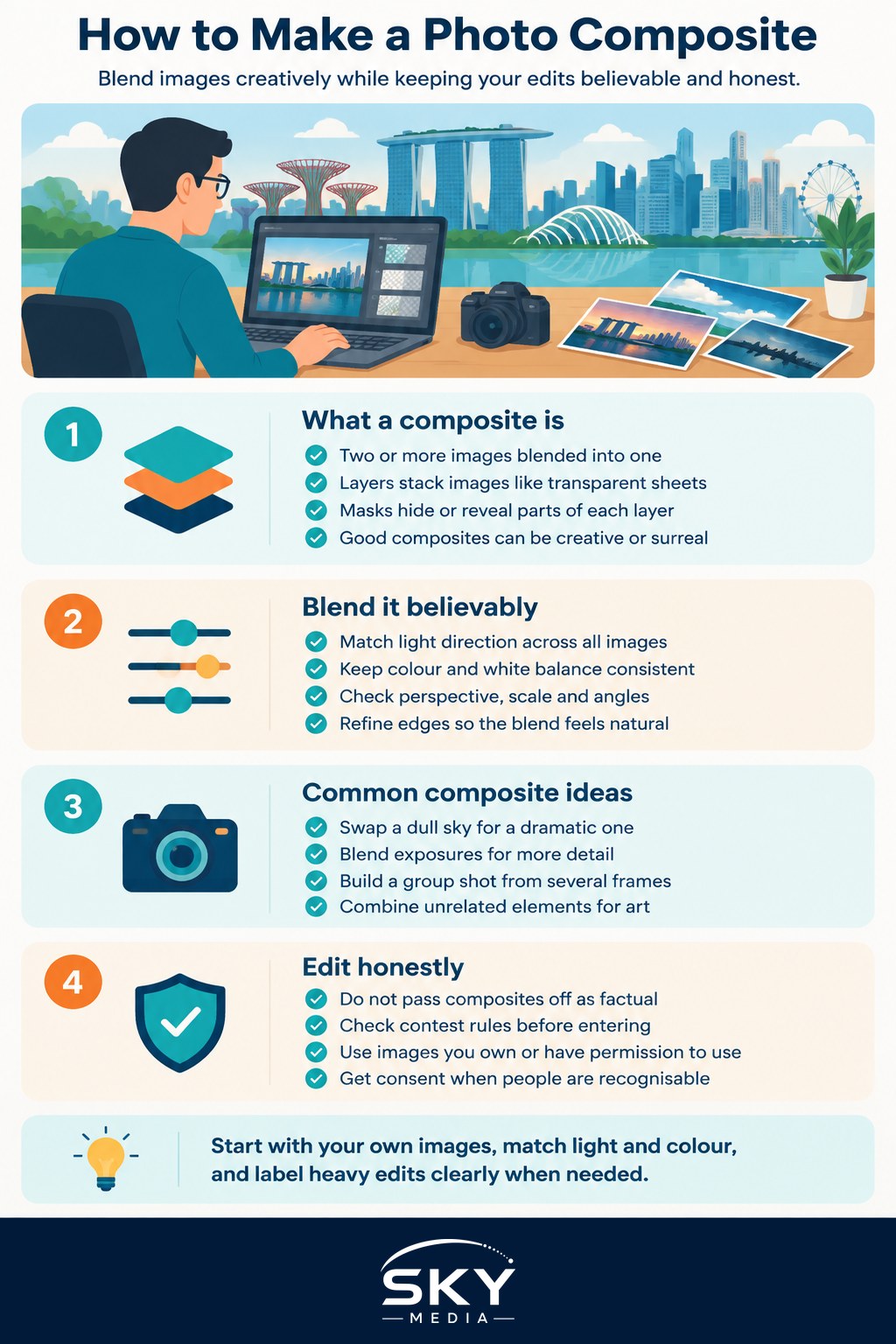
Every composite relies on two ideas: layers and masks. Layers let you stack images on top of one another, like sheets of transparent film. Masks let you reveal or hide parts of each layer, so you can show only the pieces you want from each image.
The typical workflow looks like this.
- Open your base image, the one that will form the background of the scene.
- Bring in a second image as a new layer on top.
- Add a mask to the top layer, then paint with black to hide areas and white to reveal them, blending the two images together.
- Refine the edges until the blend looks natural, paying close attention to where one image meets another.
If layers and masks are new to you, our guide on how to use layers and masks explains them from scratch, and how to edit photos in Photoshop covers the wider editing environment where most composites are built.
Making the Blend Believable
The difference between a convincing composite and an obviously fake one usually comes down to matching. Your combined images need to agree on a few things, or the eye immediately senses something is off.
- Light direction. If your subject is lit from the left, the background should look lit from the left too. Mismatched shadows are the biggest giveaway.
- Colour and white balance. A subject shot under warm indoor light will look pasted onto a cool blue outdoor scene. Nudge the colours so everything shares one mood.
- Perspective and scale. Objects should sit at believable sizes and angles. A person photographed from eye level looks wrong dropped into a scene shot from above.
- Edge quality. Soften or sharpen the edges of your masked areas so they match the focus of the surrounding image.
Getting the colours to sit together is often the make-or-break step. Our article on understanding colour grading shows how to pull separate images into one consistent palette, which is exactly what a good composite needs.
Common types of composite
- Sky swaps, where a dull sky is replaced with a more dramatic one.
- Focus stacks and exposure blends, which combine frames of the same scene for more sharpness or detail.
- Group shots assembled from several frames so everyone has their eyes open.
- Creative scenes that combine unrelated elements for artistic effect.
Editing Honestly and Respecting Rights
Here is the part that matters as much as the technique. A composite changes reality. That is fine for art, advertising concepts, and personal creative projects, but it becomes a problem when a viewer assumes they are looking at an unaltered photograph.
Be honest about heavy edits. If you are entering a photography competition, read the rules carefully, since many contests limit or ban composites and sky swaps in their documentary or nature categories. For anything journalistic, do not present a composite as a factual record of a real moment. When in doubt, add a caption noting that the image is a composite or a digital creation. This protects your credibility.
There is also the question of source images. Every photo you blend into your composite belongs to someone. Use your own images wherever possible. If you use stock or someone else’s work, make sure you have the proper licence and follow its terms, and never lift images from the web without permission. Our guide on copyright basics for photographers explains what you can and cannot use, which is essential reading before you build a composite from mixed sources.
If your composite includes recognisable people, treat them with the same respect you would in any photograph. Get consent where appropriate, and be especially careful about placing someone into a scene or context they never agreed to.
Practising in Singapore
Singapore is a great place to gather composite material. Shoot clean skyline backgrounds at Marina Bay, dramatic clouds during the stormy months, and interesting textures around the shophouses of Tiong Bahru. Because you control your own source images, you sidestep the rights issue entirely and build a personal library to draw from.
Start simple. Try blending two exposures of the same scene, or swapping a flat sky for a more interesting one you shot yourself. As your masking improves, move on to more ambitious scenes. Keep your edits honest, respect the images you borrow, and enjoy the creative freedom that compositing brings. Open your editor and try your first blend today.
Frequently Asked Questions
Can I enter a composite photo in a photography competition? Only if the rules allow it. Many contests, particularly in nature and documentary categories, limit or ban composites and sky swaps. Read the rules carefully, and when in doubt, ask the organiser before you enter.
Do I have to say that an image is a composite? For art and advertising concepts you generally do not have to, but honesty protects your credibility. For anything journalistic or factual, never present a composite as a real moment. A short caption noting it is a digital creation is a good habit.
Can I use photos from Google Images in my composite? Not without permission, because those images belong to someone else. Use your own photos, or stock images under a licence whose terms you follow. Copyright basics are worth reading before you build from mixed sources.
What free software can I use to make a photo composite? Several free editors support layers and masks, which are all a basic composite needs. Choose one that suits your computer and your learning style. The technique matters more than the specific program.
Why does my composite still look fake after masking carefully? Usually the light, colour or perspective of the two images does not match. Check that shadows fall the same way, match the colour and white balance, and soften edges to match the focus. Unifying the palette often fixes it.
Further reading: How to Do a Sky Replacement