
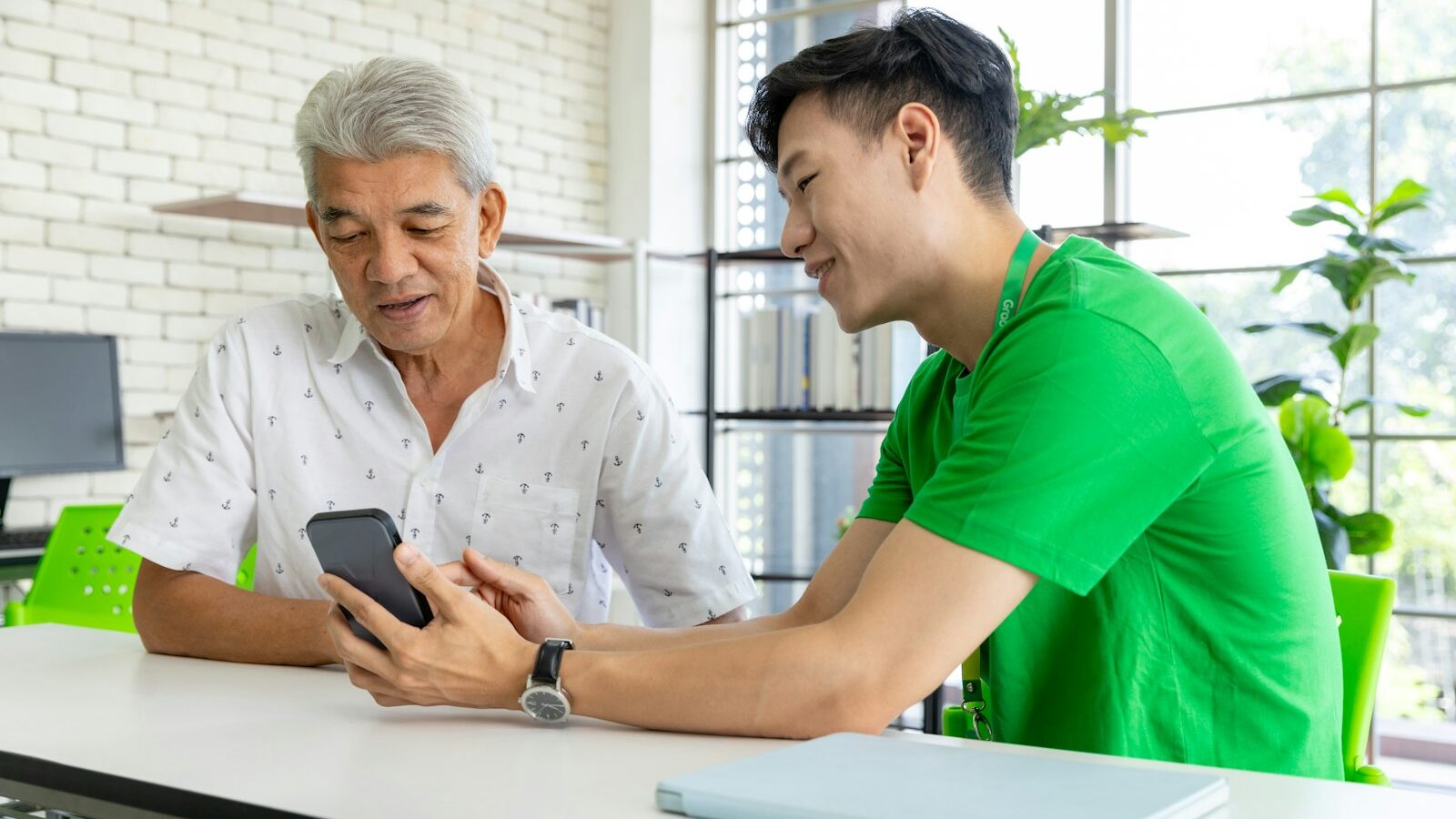
A smartphone is now close to essential in Singapore. You use it to book a polyclinic appointment on HealthHub, to log in with Singpass, to pay at the hawker centre with a QR code and to video call the grandchildren. For older residents on a tight budget, the cost of a phone and a monthly plan can be the thing that keeps them offline. The Mobile Access for Seniors scheme, run by IMDA (the Infocomm Media Development Authority, the government agency that looks after Singapore’s digital and telecoms sector), was set up to close that gap.
This guide explains who the scheme is meant for, what you typically receive, how to apply in person and what to do after you get the phone. Scheme details such as the age limit, income criteria and plan terms are set by IMDA and can be revised, extended or closed, so always confirm the current rules on the IMDA website or with a Seniors Go Digital ambassador before you go.
What the Mobile Access for Seniors Scheme Offers
The scheme sits under IMDA’s wider Seniors Go Digital programme, which helps older people learn everyday digital skills. Mobile access for seniors focuses on the hardware and the connection: it provides eligible seniors with a subsidised entry-level smartphone bundled with a subsidised mobile plan for a fixed contract period, so they can get online without paying full retail price.
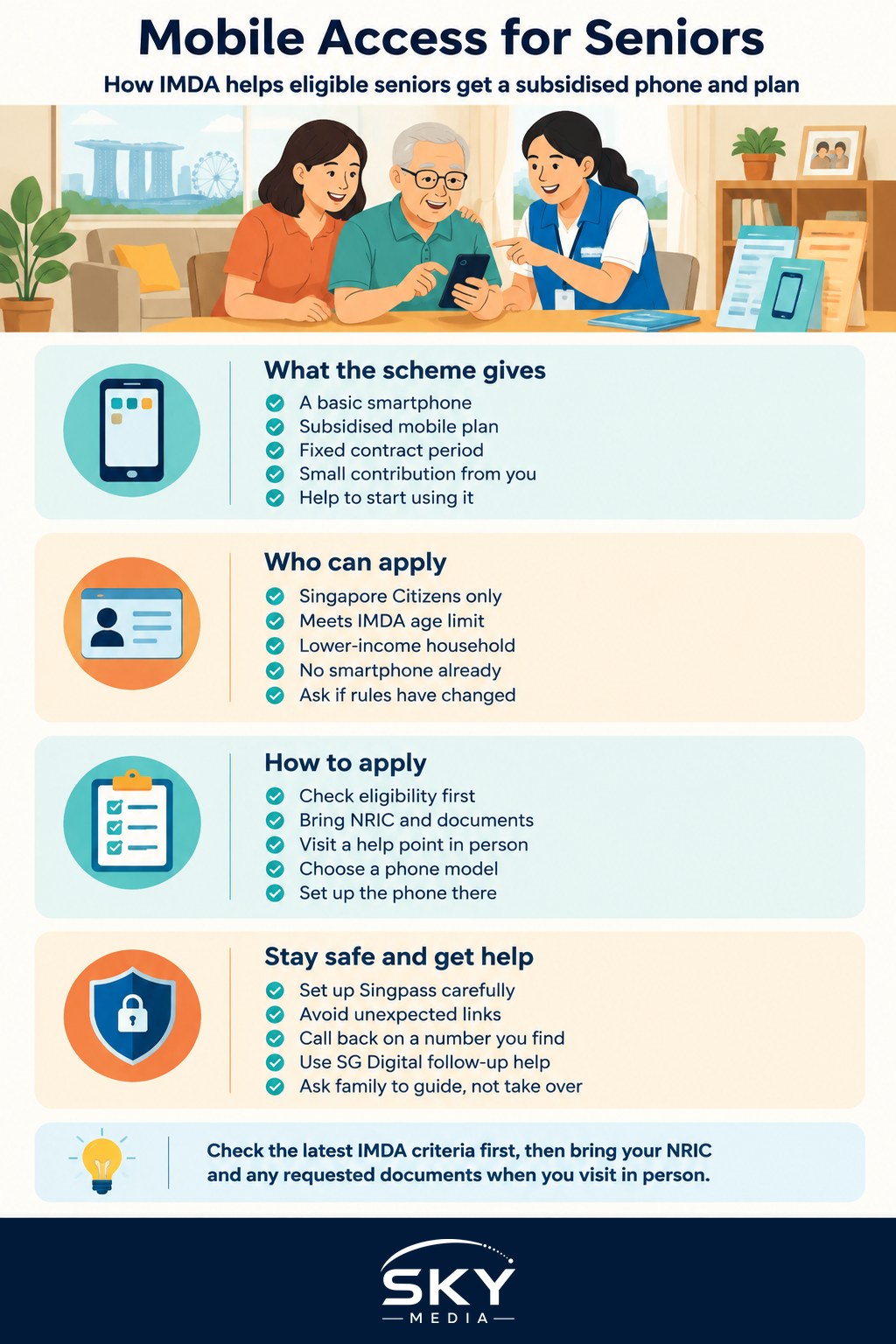
In general terms, the package covers:
- A basic smartphone chosen from a small list of models selected for the scheme. These are simple, reliable phones, not flagship models.
- A mobile plan from a participating telco, with talk time, SMS and mobile data suited to everyday use such as messaging, video calls and government apps.
- A small contribution from the senior, with the bulk of the cost covered by the subsidy. The exact amount, contract length and data allowance are set by IMDA and the telcos, so check the current figures rather than relying on what a neighbour paid a few years ago.
Seniors who sign up are usually encouraged to attend digital skills sessions so the phone actually gets used.
Who Is Eligible: The General Criteria
IMDA publishes the eligibility rules, and they have been adjusted over the years. Broadly, the scheme has been aimed at seniors who meet all of these conditions:
- Singapore Citizens above a minimum age set by IMDA.
- From lower-income households, assessed by household income per person or by being on certain government assistance schemes. IMDA sets the exact threshold.
- Not already owning a smartphone, since the point is to bring new users online rather than replace working phones.
Some seniors on existing support, such as ComCare assistance, may find the income assessment simpler. Permanent Residents and foreigners have generally not been covered, but rules change, so ask. If you are applying on behalf of an elderly parent, they will still need to be present in person, because the contract is in their name and staff will want to confirm they understand it.
Do not assume you are ineligible just because you have an old button phone. A non-smartphone (often called a “feature phone”) usually does not count as owning a smartphone.
How to Apply Step by Step
Applications are generally made in person rather than online, which suits seniors who are not yet comfortable with digital forms. The table below shows how a typical application flows.
| Step | What you do | What happens |
|---|---|---|
| 1. Check eligibility | Read the criteria on the IMDA website or call the Seniors Go Digital help line listed there | You find out whether the scheme is still open and whether you qualify |
| 2. Gather documents | Bring your NRIC and any income or assistance documents IMDA asks for | Staff can assess your application in one visit |
| 3. Visit a help point | Go to an SG Digital Office, a Digital Community Hub or a participating telco outlet listed by IMDA | A digital ambassador or staff member helps you fill in the form |
| 4. Choose a phone | Pick from the models offered under the scheme | The phone and plan are registered in your name |
| 5. Set up and learn | Ask for help with Singpass, WhatsApp, HealthHub and payments | You leave with a working phone and know where to get more help |
A few practical tips:
- Go on a weekday morning when help points tend to be quieter, so staff have time to explain things slowly.
- Bring a family member if you can, especially if English or Mandarin forms are hard to read. Many ambassadors speak Malay, Tamil and dialects such as Hokkien or Cantonese, but it helps to ask ahead.
- Ask about the contract terms before signing: how long it lasts, what you pay each month, what happens when it ends and what it costs to stop early.
- Bring your old phone and SIM card if you want to keep your existing number, and ask whether number porting is possible under the scheme.
Setting Up the Phone So It Is Actually Useful
Getting the phone is only half the job. The scheme works best when the senior leaves with apps that solve everyday problems. Ask the ambassador, or a family member, to help with:
- Singpass app: the national digital identity, used to log in to government services, CPF, HealthHub and banking. Set it up with a simple face or fingerprint login.
- WhatsApp or Telegram: for family chats and video calls. Turn on large text in the phone’s accessibility settings.
- HealthHub: to see appointments, health records and medication lists. Your doctor or polyclinic remains the source of medical advice.
- Cashless payments: SGQR scanning through a bank or e-wallet app, so paying at hawker stalls and shops is easier. Start with small amounts.
- ScamShield: the anti-scam app promoted by the government, which helps filter scam calls and messages.
Enlarge the font, raise the ringtone volume and add an emergency contact to the lock screen.
Staying Safe Online as a New Smartphone User
New smartphone users are a common target for scammers. Before handing over the phone, go through a few simple rules together:
- Never share a Singpass password or OTP (one-time password) with anyone, including people claiming to be from the government, the bank or the police.
- Do not click links in unexpected SMS or WhatsApp messages, even if they look official. Government SMS messages in Singapore now come from the gov.sg sender ID.
- Hang up and call back on a number you find yourself if someone phones about money, parcels or a family emergency.
- Ask a trusted person first before transferring money to anyone you have not met in person.
Getting Ongoing Help After You Sign Up
Learning a smartphone takes time, and nobody masters it in one afternoon. Free help is usually available through:
- SG Digital Offices, often located in community centres, where digital ambassadors run one-to-one help and small group lessons.
- Learning sessions under Seniors Go Digital, covering topics such as video calls, e-payments and government apps.
- Family and friends, who can be most helpful by letting the senior press the buttons, rather than taking the phone and doing it for them.
If you are helping a parent who also has a China-issued phone or SIM, our guide to accessing Chinese apps and services from Singapore explains what works locally. Once the subsidised contract ends, compare options using our guide to choosing mobile plans in Singapore, since a SIM-only plan may then be cheaper.
What to Check Before You Commit
Before signing, confirm that the scheme is still running in its current form, the exact monthly amount and contract length, what happens when the contract ends, and how to get repairs or help with billing.
Mobile access for seniors is a practical way for lower-income older Singaporeans to get connected with support built in. Check the latest criteria on the IMDA website, bring the right documents, and go with someone patient. For other support aimed at older residents, see our guide to the HDB Lease Buyback Scheme.
Further reading: The Home Access Programme for Subsidised Broadband Explained