
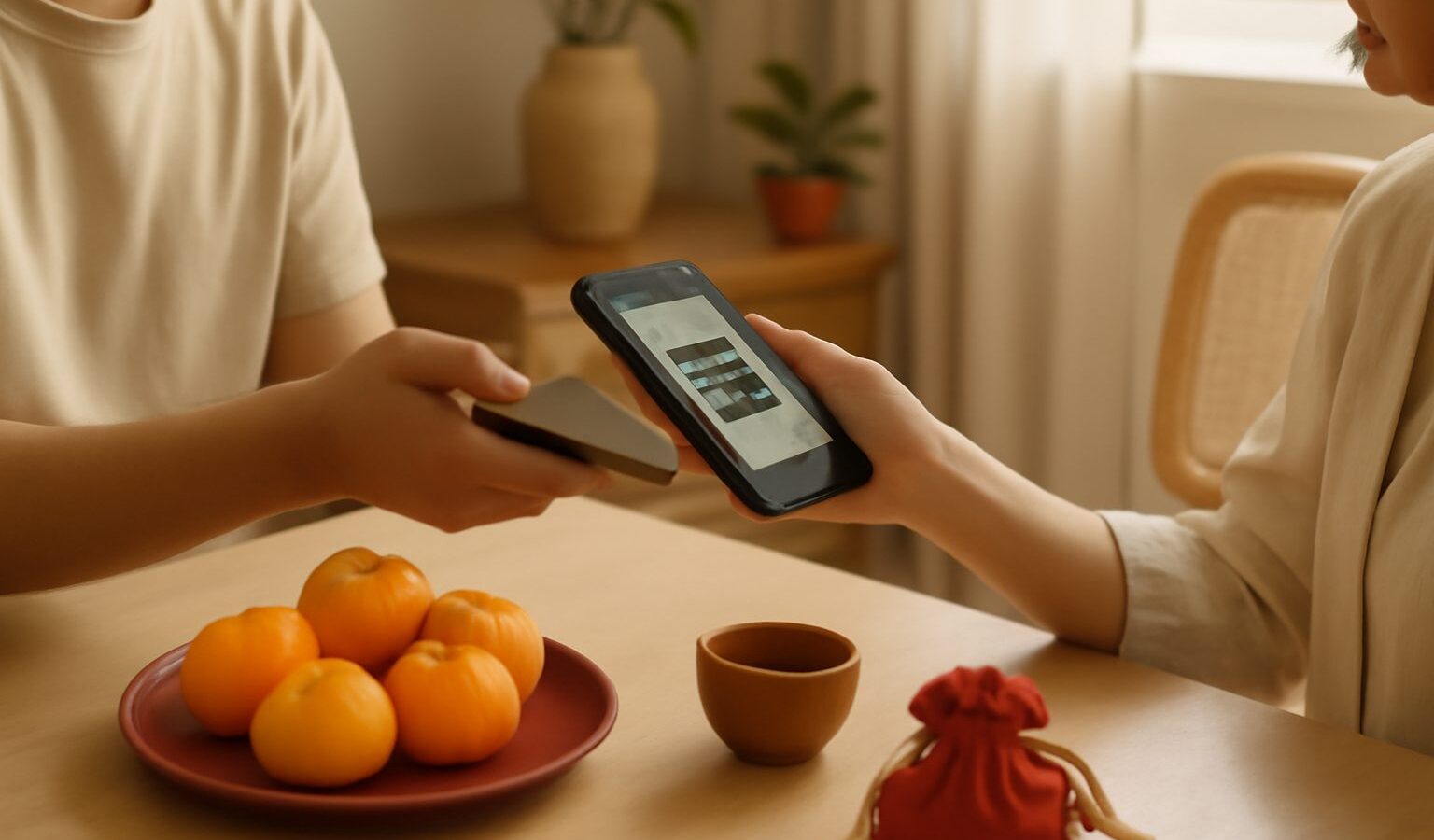
If you arrived from mainland China, you are used to leaving your wallet at home and paying for everything with a phone. Singapore is moving the same way, and the backbone of it is paynow singapore, a free bank-to-bank transfer service that lets you send money instantly using just a phone number. Alongside it sit wallet apps, bank apps and tap-and-go cards that together cover almost every situation, from a hawker stall to a monthly rent transfer. This guide explains the main options, how they map onto the WeChat Pay and Alipay habits you already have, and how to stay safe. It is general information, not financial advice; verify current features and limits with your own bank.
What PayNow Actually Is
PayNow is a national transfer service run through the banks, not a single app. You register once inside your existing bank’s app, linking your account to your mobile number, your NRIC or FIN, or a virtual payment address. After that, anyone can send money to you by entering that number, and it lands in your account within seconds, at any hour, with no fee for personal transfers. You can also scan a PayNow QR or the unified SGQR code displayed at shops and stalls to pay a business.
The closest mental model from home is a WeChat or Alipay transfer, except the money moves directly between bank accounts rather than sitting in a wallet balance. There is no need to top up a separate float; your bank balance is the wallet. This is why PayNow has become the default way friends split a meal, pay a tutor, or settle rent.
PayLah!, Bank Apps and Contactless Cards
Layered on top of PayNow are a few other tools worth knowing:
- PayLah! is DBS/POSB’s own wallet app. It uses PayNow underneath but adds its own QR, deals, transport payment and a stored balance, which some people prefer for daily spending. Other banks have similar apps such as OCBC’s and UOB’s.
- Bank apps themselves do far more than PayNow. From your phone you can pay bills, set up GIRO deductions, transfer overseas, and manage cards. For newcomers, getting comfortable in your main bank app is the single biggest step.
- Contactless cards are everywhere. Any Visa, Mastercard or debit card with the wave symbol taps on the same terminals, and you can load the card into Apple Pay, Google Pay or your phone’s wallet to pay with the handset.
- SimplyGo and EZ-Link handle public transport; you can even tap a contactless bank card straight onto the bus or MRT gate.
You do not need all of these. Most residents settle on their main bank app for PayNow, one tap-to-pay card in their phone, and a transit option.
How It Compares to WeChat Pay and Alipay
The Singapore system delivers the same convenience you are used to, but the plumbing is different. The table below maps the familiar mainland tools onto their local counterparts.
| Need | Mainland China | Singapore | Key difference |
|---|---|---|---|
| Send money to a friend | WeChat / Alipay transfer | PayNow (phone or NRIC) | Moves bank to bank, no wallet top-up |
| Pay a shop by QR | Scan WeChat / Alipay QR | Scan PayNow QR or SGQR | One SGQR often accepts several apps |
| Tap to pay | Phone NFC, UnionPay | Contactless card, Apple/Google Pay | Physical cards still widely tapped |
| Everyday wallet app | WeChat Pay, Alipay | PayLah!, bank apps | Balance is usually your bank account |
| Public transport | Transit QR / card | SimplyGo, EZ-Link, bank card tap | Bank card can double as a fare card |
A practical note: your old WeChat Pay and Alipay accounts may still work at some tourist-facing merchants here through cross-border tie-ups, but you should not rely on them for daily life. Once your local bank account is open, shift your routine to PayNow and a local card.
Linking to Your NRIC or Phone Number
Registering PayNow is quick, but do it thoughtfully. Inside your bank app you choose what to expose as your PayNow identifier. Linking your mobile number is the most common choice for splitting bills with friends. Linking your NRIC or FIN is convenient for receiving official payments and refunds, though some people prefer not to share it casually. You can register more than one identifier and pick which account each points to if you hold accounts at several banks.
Before every first transfer to a new person, the app shows you the recipient’s name. Always read that name back to confirm it matches who you intend to pay, since transfers are instant and hard to reverse. To open the account that makes all of this possible, follow the account-opening steps for your situation.
Staying Safe and Paying at Hawkers
Mobile payment is safe when you stay alert. A few rules keep you protected:
- Never share one-time passwords (OTPs) or app login details with anyone, including callers who claim to be from your bank, the police or a delivery firm. No legitimate body asks for these.
- Confirm the recipient name shown before sending, and start with a small amount when paying someone new.
- Beware of QR codes sent to you in messages or stuck over a real one; only scan codes displayed at the counter.
- Set sensible transfer limits in your bank app so a mistake or scam cannot drain the account.
- Keep your phone locked with a passcode or biometrics, and enable transaction alerts.
At hawker centres and wet markets, paying is easy. Most stalls now show an SGQR sticker: open your bank app or PayLah!, scan, type the amount, and show the stallholder the confirmation. Some older stalls still prefer cash, so it is wise to carry a few small notes and coins as backup. When in doubt, a friendly “PayNow can?” will tell you at once whether the stall takes it.
Explore More
To get the underlying account sorted first, read our guide to opening a bank account as a Chinese national. For the wider toolkit that makes daily life smooth, see the essential apps for Chinese newcomers in Singapore, and to link your digital identity across government and banking services, our guide to Singpass setup for Chinese newcomers is the natural next step.