
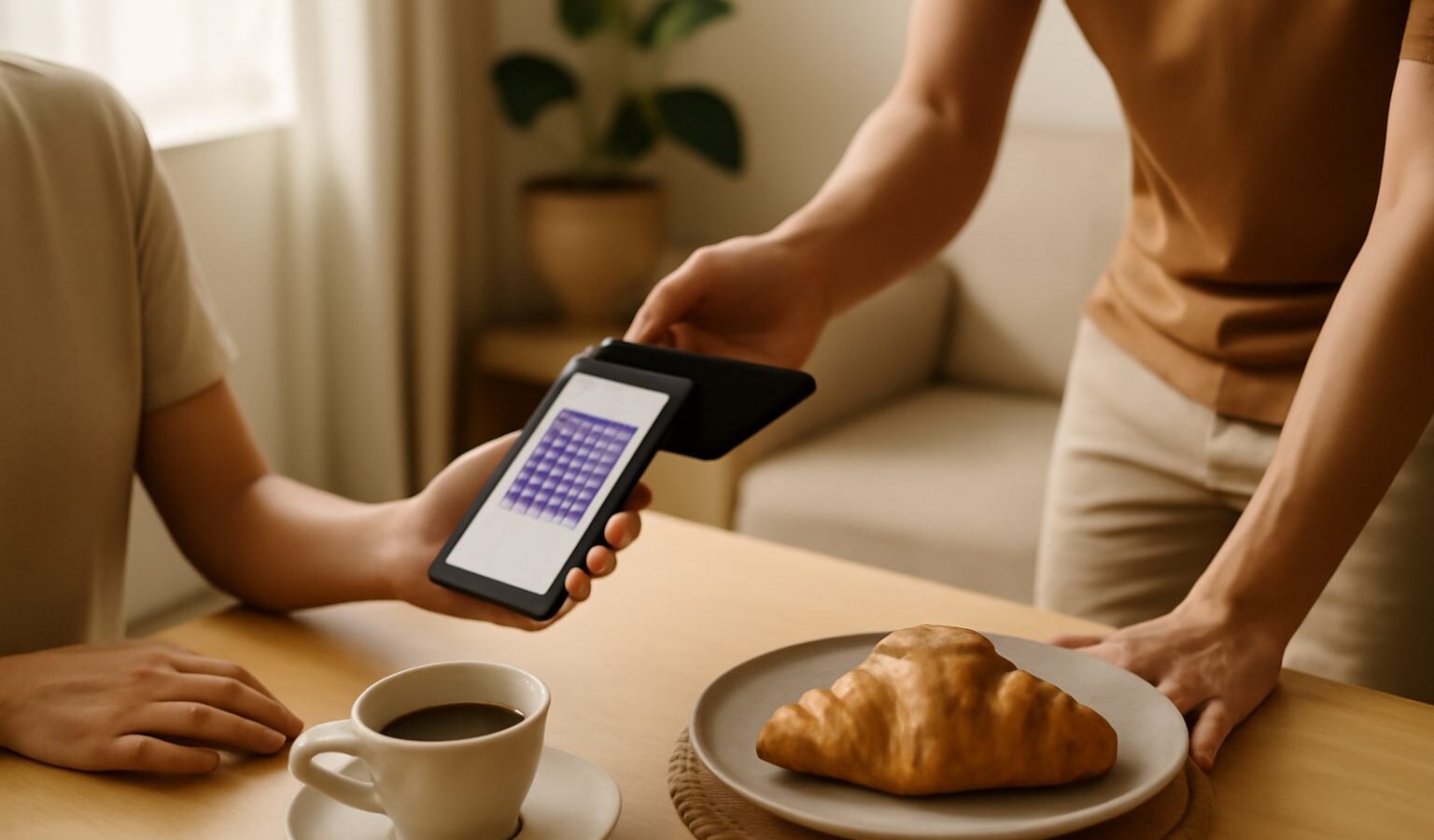
Splitting a dinner bill, paying back a friend, or settling a small invoice used to mean fiddling with bank account numbers and branch codes. PayNow in Singapore changed that. It lets you send money to another person or business using something far easier to remember, such as a mobile number, and the transfer arrives almost instantly. This guide explains how PayNow works, how to set it up, and how to use it safely.
PayNow is a service offered through the banks and it sits on top of the national instant transfer system. If you already use online banking with a participating bank, you very likely already have access to it. The trick is understanding the simple idea behind it and building a few safe habits.
How PayNow Works
Normally, sending money to someone means knowing their full bank account number and which bank it belongs to. PayNow replaces that with a proxy, which is just a friendlier identifier that points to a bank account behind the scenes.
You register your bank account against one or more of these identifiers. For individuals, the common choices are your mobile number and your NRIC or FIN. When a friend wants to pay you, they simply type in your mobile number, the system shows them your registered name so they can confirm they have the right person, and the money lands in your account. Your actual account number stays private.
Because the transfer runs on the instant payment rails, the money usually moves within seconds, at any hour, including weekends and public holidays. That speed is part of what makes PayNow so handy for everyday splits and quick repayments.
For businesses, there is a business version linked to a Unique Entity Number, often shortened to UEN. This lets shops, hawkers, service providers and organisations receive payments to their UEN rather than sharing a bank account number. Many QR codes you scan to pay a merchant are, underneath, sending a PayNow transfer to a UEN.
Setting Up PayNow
Getting started is quick and happens inside your own bank’s app or online banking, not a separate app.
Open your banking app and look for a PayNow section, often under transfers or payments. From there you can register an identifier and link it to the account you want money paid into. You choose what to register:
- Your mobile number, the most common choice for person to person payments.
- Your NRIC or FIN, useful for receiving certain payouts.
- A UEN, if you are a registered business or organisation.
You can register more than one identifier, but each one links to a single account at a time. If you bank with several institutions, you decide which bank holds each identifier. Take a moment to make sure the account tied to your PayNow is the one you actually want funds to arrive in.
Once registered, you are ready to both send and receive. To send, you enter the recipient’s mobile number, NRIC or UEN, and crucially, you check the name that appears before confirming.
The Golden Rule: Check the Name
That name check is the single most important safety habit with PayNow. When you enter someone’s mobile number or UEN, the system displays the registered account holder’s name. Always pause and confirm it matches the person or business you intend to pay.
This one step catches a surprising number of mistakes and scams. A typo in a mobile number could send money to a stranger. A scammer might give you a number that does not match the name they claimed. If the name looks wrong, unfamiliar, or does not match who you are dealing with, stop and do not proceed until you have verified it through a trusted channel.
Here is a simple pre send checklist:
| Check | What to confirm | Why |
|---|---|---|
| Recipient name | It matches the person or business you mean to pay | Catches typos and impersonation |
| Amount | The figure is exactly right | Transfers are fast and hard to reverse |
| Identifier | The mobile, NRIC or UEN is correct | Money follows the proxy, not the name you typed |
| Reason for paying | You genuinely owe this and expected the request | Guards against payment request scams |
Staying Safe From Scams
PayNow itself is a legitimate, widely used service, but scammers try to exploit how fast and final transfers can be. Keeping a few rules in mind protects you.
Never share your banking password, PIN or one time password, often called an OTP, with anyone. No genuine bank officer, government official or company will ever ask for these. An OTP is the key to your account, and handing it over is like giving away your bank card and its PIN together.
Be wary of unexpected payment requests and urgent messages. A common trick is a message claiming you must pay a fee, a fine or a delivery charge quickly, or that you have been paid by mistake and must refund the difference. Slow down. Verify who is really asking through an official number or app before moving any money.
Treat QR codes with the same caution as links. A QR code that someone sends you or sticks over a real one can point your payment to a scammer. Only scan codes from sources you trust, and once again, check the payee name and amount your banking app shows after scanning, before you confirm.
Finally, always use your bank’s official app, downloaded from the official app store, and keep it updated. Do not tap through to online banking from a link in a message. Type the address yourself or open the app directly. If something ever feels off, contact your bank through the number printed on the back of your card, and report suspected scams to the authorities.
The Bottom Line
PayNow in Singapore has made everyday payments genuinely simple. Register a mobile number or NRIC once, and repaying a friend or receiving money becomes a matter of seconds rather than a hunt for account numbers. The convenience is real, and so is the safety, as long as you build the habit of checking the recipient name and amount every single time, and you guard your OTP and passwords fiercely. Your bank remains the final word on limits and features, so when in doubt, ask them directly.
Explore more
QR and E-Payments
Using NETS, GrabPay and Local E-Wallets
Understanding SGQR and Scan-to-Pay
Using Apple Pay and Google Pay