
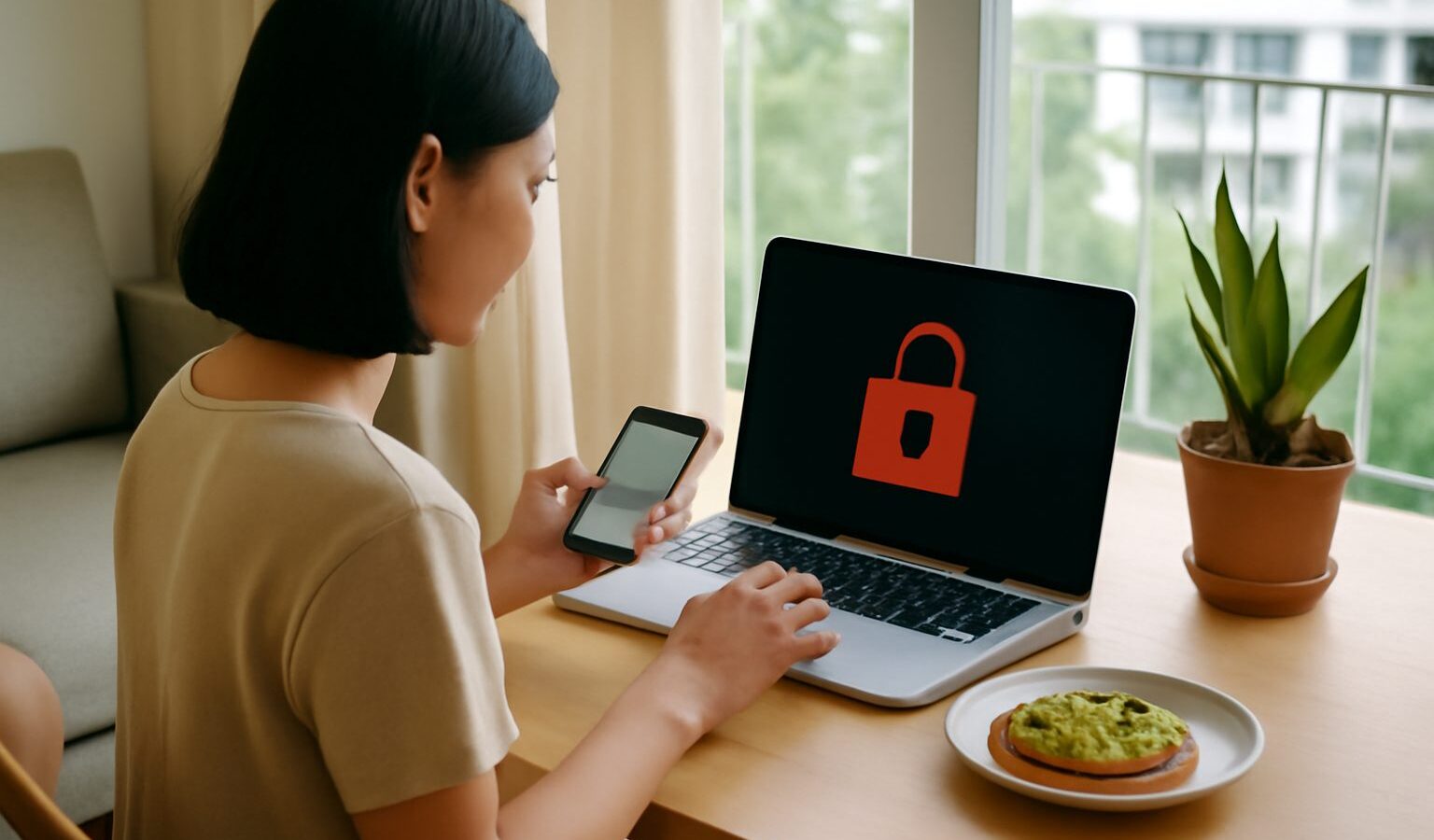
Discovering a hacked account in Singapore is a stomach-dropping moment. You try to log in and the password no longer works, or friends message to say you have been sending them strange links, or your bank flags a transaction you never made. The good news is that fast, methodical action recovers most accounts and limits the damage. This guide explains how to spot a break-in, the exact order in which to act, how to secure everything afterwards, and who to report to so the incident does not spread.
Signs Your Account Has Been Compromised
Attackers often move quietly so they can use your account for as long as possible. Learning the tell-tale signs helps you catch a breach early.
Common warning signs include:
- You are suddenly logged out of an app or website and your usual password is rejected.
- Password reset or login alert emails arrive that you did not trigger.
- Sent messages, posts or transfers appear that you did not make.
- Contacts report odd messages or links coming from you.
- Your recovery email or phone number has been changed without your knowledge.
- New devices or unfamiliar locations show up in your account’s security or login history.
- Security settings such as two-factor authentication have been switched off.
If you notice any of these, treat the account as compromised and act straight away rather than waiting to see whether it settles down.
Act Fast: The First Hour Matters
The first hour after you spot a hacked account in Singapore sets the tone for how much you recover. Work through these steps in order.
- Get to a safe device. If your phone or laptop may be infected with malware, use a different, trusted device to start recovery so you are not typing new passwords into a compromised machine.
- Reset the password immediately if you can still log in. Choose a long, unique passphrase you have never used elsewhere.
- Use the official account recovery flow if you are locked out. Google, Meta, Apple, Microsoft and the major banks all have “forgot password” or “recover account” tools that verify your identity through backup email, phone or ID checks.
- Turn on or reset two-factor authentication (2FA) once you regain access, and remove any authenticator or phone number you do not recognise.
- Review connected devices and active sessions and sign out everything except the device in front of you. Most platforms have a “log out of all sessions” button.
- Check recovery details. Confirm the recovery email address and phone number are yours, and undo any changes the attacker made.
- Look for hidden rules. Attackers often add email forwarding rules or filters so they keep seeing your reset links. Delete anything you did not create.
If money or a bank or payment app is involved, call the bank’s official hotline first, before anything else, so they can freeze cards and reverse or hold transfers where possible.
Recovery Steps by Account Type
Different accounts have different stakes and different recovery routes. The table below gives a quick sense of priority and where to turn.
| Account type | Why it matters | Where to recover | First move |
|---|---|---|---|
| Email (Gmail, Outlook) | It resets every other account | Provider’s account recovery page | Reset password, kill forwarding rules |
| Bank or payment app | Direct financial loss | Bank’s official hotline and app | Call bank, freeze cards |
| Social media | Reputation and scams to contacts | In-app “hacked account” report flow | Warn contacts, revoke apps |
| Singpass | Access to government services | Official Singpass recovery channels | Report and reset via Singpass support |
| Online shopping | Saved cards and addresses | Marketplace help centre | Remove saved cards, check orders |
Secure your primary email first. Because password resets for almost everything else are sent there, an attacker who controls your inbox can walk back into any account you fix. Once email is locked down, work outward to banking, then social media, then shopping and everything else.
Locking Things Down After You Recover
Regaining access is only half the job. If you skip the clean-up, the same attacker often returns within days.
- Change passwords everywhere the old one was reused. Reused passwords are the single biggest reason one breach becomes many. A password manager lets you set a unique password for every account without memorising them.
- Turn on two-factor authentication on every important account, ideally using an authenticator app or a physical security key rather than SMS, which can be intercepted.
- Revoke third-party app access. Old apps and browser extensions you once linked may hold a way back in. Remove any you no longer use.
- Scan your devices for malware using reputable security software, and update your operating system, browser and apps so known holes are patched.
- Update security questions if the answers may have leaked, and avoid answers a stranger could guess from your public profiles.
- Watch your accounts for a few weeks. Keep an eye on statements, login alerts and sent folders for anything unusual.
Take a moment to work out how the break-in happened. Most hacks trace back to a reused password exposed in an old data breach, or a phishing message that tricked you into typing your login on a fake page. Knowing the cause helps you close the door for good.
Reporting the Incident in Singapore
Reporting matters even when you recover the account, because it helps authorities track scam networks and may protect others.
- The platform itself should be your first report. Email providers, social networks and banks all have dedicated channels for compromised accounts and can add extra protection to your profile.
- ScamShield is the national anti-scam resource, offering an app and helpline to check suspicious messages and report scams. It is a good first stop if the hack came through a scam link or message.
- The Singapore Police Force takes reports of cybercrime and financial loss. If money was taken or your identity is being misused, make a police report so there is an official record, which banks often ask for.
- Your bank should be told the moment any financial account or card is involved, using the number printed on the card or the bank’s official website, never a number sent to you in a message.
- Warn your contacts directly so they do not click links the attacker sent in your name.
This article is general information only, and scam tactics, tools and official channels change over time, so check the current advice on ScamShield and your bank’s official website before acting on anything sensitive. This is not personalised security or financial advice.
Recovering a hacked account in Singapore comes down to speed, order and follow-through: secure your email first, lock down banking, turn on strong 2FA everywhere, and report the incident so it stops with you.
Explore more
For prevention, read our guides on two-factor authentication in Singapore and password security. If the hack came through a scam message, our overviews of avoiding scams and cybersecurity basics will help you close the gaps that let attackers in.