
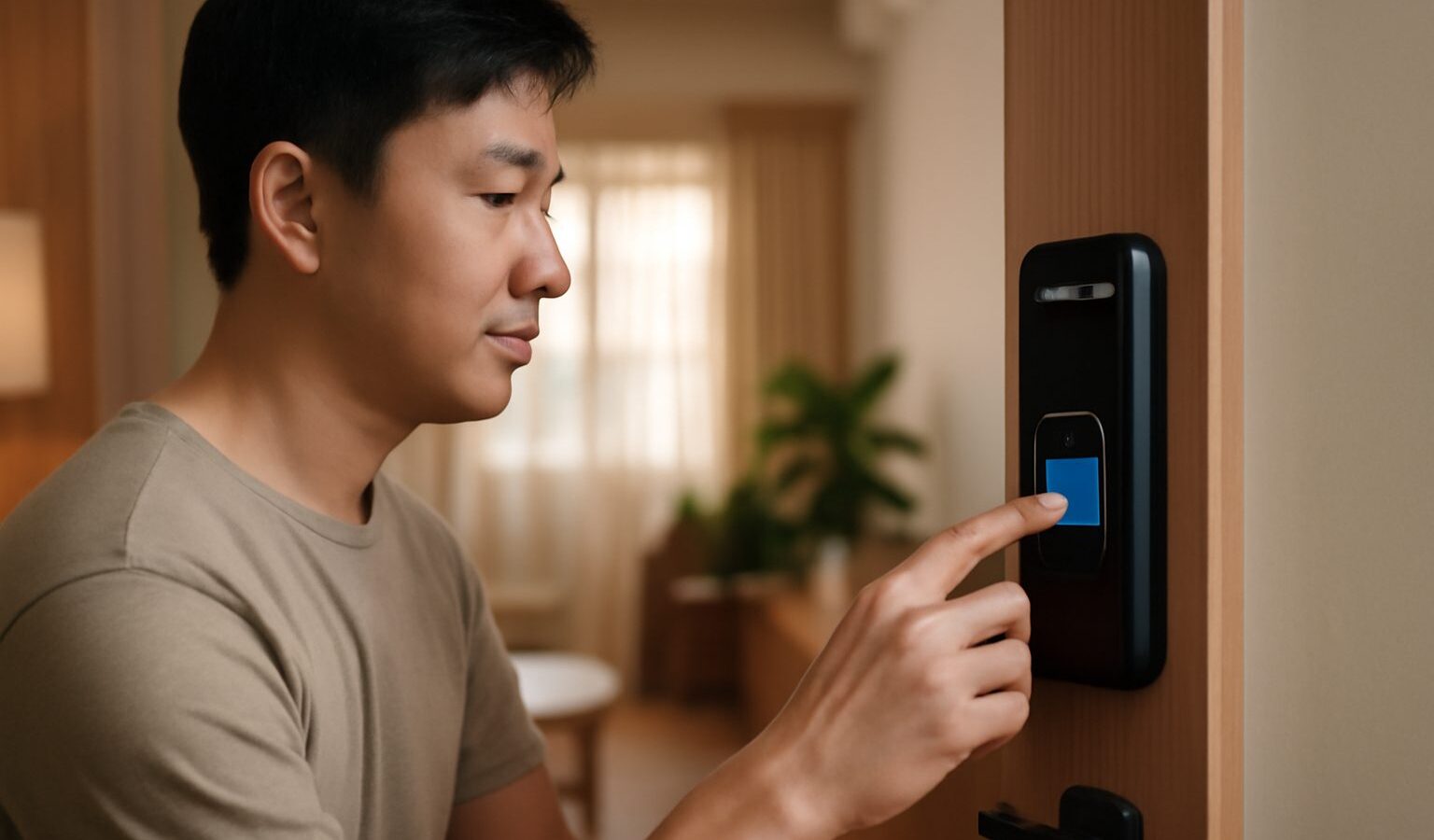
Every time you unlock your phone with your face or press a finger on a sensor, you are using biometric security. In Singapore, biometric security has quietly become part of daily life, from tapping your fingerprint at the airport to using face verification on the Singpass app. This guide explains, in plain words, what biometrics are, how they protect you, where the limits sit, and the sensible steps to keep your identity safe.

What Biometric Security Actually Means
A biometric is a physical or behavioural trait that is unique to you. The common ones are your fingerprint, your face, and sometimes your iris or voice. Instead of remembering a password, your device checks that this trait matches the one it stored when you first set things up.
Here is the part that surprises many people. Your phone does not save an actual photo of your face or a picture of your fingerprint. It converts the trait into a scrambled mathematical code, stores that code in a special protected area of the chip, and compares new scans against it. On most modern phones this data stays on the device and is never uploaded to the maker’s servers. That design is a big reason biometrics can be safer than a weak password that you reuse everywhere.
Biometrics are convenient because you cannot forget your face or leave your fingerprint at home. They are also fast, which matters when you unlock your phone dozens of times a day. For many everyday tasks, this is a genuine security upgrade over a four digit PIN that someone could shoulder surf.
Where You Meet Biometrics in Singapore
You probably use biometric security more than you realise:
- Unlocking your smartphone and approving app logins or purchases.
- Automated immigration lanes at Changi Airport, which read your fingerprint or face.
- The Singpass app, which uses face verification to confirm it is really you before you access government and banking services.
- Banking and payment apps that let you log in or approve transfers with a fingerprint or face scan.
- Office and condo access systems that use fingerprint or face readers.
Because so much now sits behind your Singpass, treating biometric login as one layer of protection, not the only one, is wise. Never share your Singpass password or any one time password, and be careful about who handles your phone. If you want a fuller walkthrough, our guide to using the Singpass app and face verification covers the official steps.
The Real Risks and Honest Limits
Biometrics are strong, but they are not magic. Understanding the weak spots helps you use them wisely.
First, you cannot change your face or fingerprint the way you can change a leaked password. If a biometric template were ever stolen and reversed, you could not simply reset it. This is why keeping the data on your device, rather than in some company’s cloud, matters so much.
Second, biometrics can sometimes be fooled or bypassed. A very high quality photo or mould can occasionally trick a weaker sensor, and family members with similar faces have unlocked each other’s phones. Good modern sensors use depth mapping and liveness checks to reduce this, but no system is perfect.
Third, there is a legal and practical wrinkle. In many situations someone can physically compel you to press your finger on a sensor or hold a phone to your face more easily than they can force a passcode out of your head. That is one reason your device still keeps a PIN or password as a backup.
Finally, biometrics do not protect you from scams. If a fraudster tricks you into approving a face scan or transfer yourself, the technology worked exactly as designed. Staying alert to manipulation still matters, and our guide to avoiding scams is worth a read.
How to Use Biometric Security Safely
You do not need to be an expert to get this right. A few habits make a big difference:
- Always set a strong PIN or password as the backup to your biometric unlock. Avoid birthdays and simple sequences. A password manager can help you keep strong ones, and our guide to choosing a password manager explains how.
- Turn on two factor authentication for your important accounts so a face scan is not the only thing standing between a stranger and your money.
- Keep your phone’s software updated. Updates often fix weaknesses in the biometric and security systems.
- Only register your own biometrics. Do not add a friend’s or child’s face to your device if that device holds your bank and Singpass access.
- Be cautious with cheap or unknown gadgets and apps that ask to scan your face or fingerprint. Stick to well known devices and official app stores.
- If your phone is lost or stolen, use the remote lock and wipe features quickly so no one can reach your accounts.
The Bottom Line
Biometric security in Singapore is convenient, fast, and for most people safer than a weak password, especially because the data usually stays locked inside your own device. Just remember it is one layer, not a fortress. Pair it with a strong backup PIN, two factor authentication, updated software, and a healthy suspicion of anyone pressuring you to scan. Do that, and your face and fingerprint become a genuinely useful shield rather than a single point of failure.