

Getting RAM for gaming right is one of the cheapest ways to make a system feel fast, yet it is also where money is most often wasted on numbers that do not help. Memory and storage do very different jobs, and confusing them leads to poor buying decisions. This guide explains what each does, how much you actually need, and how to spend sensibly so your games load quickly and run smoothly.
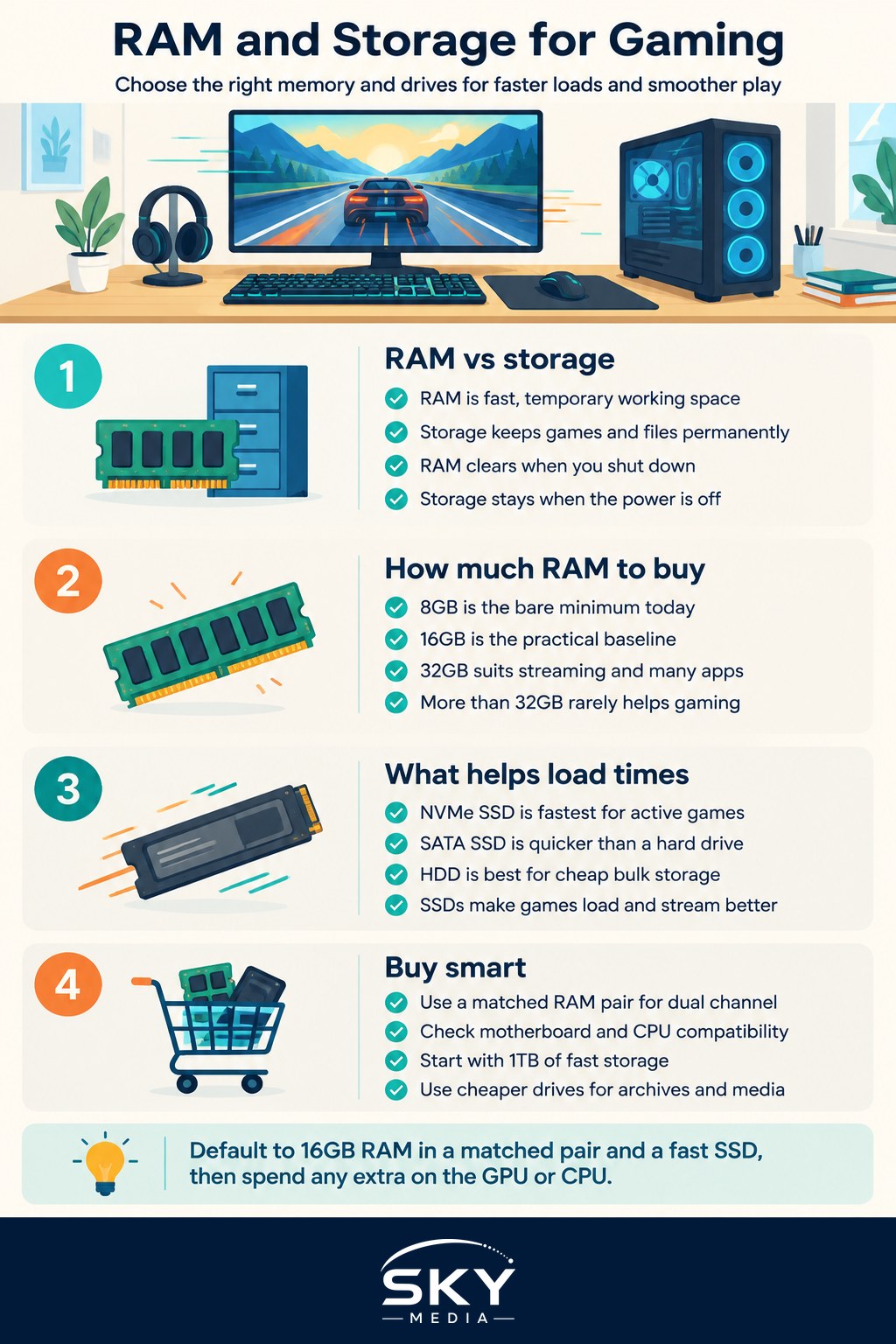
Memory and storage are not the same thing
People often lump RAM and storage together, but they serve opposite purposes. RAM, or random access memory, is fast, temporary working space the system uses for whatever it is doing right now. Storage is where your games, files and operating system live permanently, even when the power is off. RAM is emptied every time you shut down; storage keeps everything.
Think of RAM as your desk and storage as your filing cabinet. A bigger desk lets you work on more things at once, while a bigger cabinet holds more files. You need enough of both, but for different reasons.
How much RAM do you need for gaming
For gaming, capacity matters more than exotic speed, and the sweet spots are clear.
- 8GB: The bare minimum today. It works for lighter and older titles but leaves little room for background apps, and modern games increasingly feel cramped.
- 16GB: The practical baseline for most gamers. It comfortably runs current titles alongside a browser and chat apps.
- 32GB: Worth it if you stream, keep many tabs open, run a game and creative software together, or want headroom for years to come.
- Beyond 32GB: Rarely helps pure gaming. This is territory for heavy content creation rather than play.
Installing memory in a matched pair rather than a single stick lets it run in dual channel, which improves performance noticeably. Two 8GB sticks generally beat one 16GB stick for gaming.
Memory speed and generation matter too, though less than capacity. Newer memory standards run faster and can give a modest lift, especially in games that lean on the processor. Many systems also offer a quick setting in the firmware that runs the memory at its rated speed rather than a slower default, and enabling it is a free way to get the performance you already paid for. Just confirm your motherboard and processor support the memory generation and speed before you buy, since mixing incompatible parts leads to instability or a system that will not start.
Storage: speed and capacity both count
Storage affects how fast games install, load and stream in new areas. Here the type of drive matters as much as the size.
| Storage type | Speed | Best use | Notes |
|---|---|---|---|
| NVMe SSD | Fastest | Operating system and current games | Uses a fast connection for quick loads |
| SATA SSD | Fast | Secondary game library | Much quicker than a hard drive |
| Hard drive (HDD) | Slowest | Bulk storage and backups | Cheap per gigabyte, slow to load |
A solid-state drive is the single biggest quality-of-life upgrade for load times. Games launch faster, levels stream in without stutter, and the whole system feels snappier. A hard drive still has a place for cheaply storing files you rarely touch, but it is a poor home for the games you play often.
How much storage capacity to buy
Modern games are large, and a few of them fill a drive quickly. A 1TB SSD is a comfortable starting point that holds the operating system and a healthy rotation of games. If you keep a big library installed, 2TB gives welcome breathing room. A common and cost-effective approach is a fast SSD for games plus a larger, cheaper drive for archives and media you do not need to load quickly.
Where RAM and storage help, and where they do not
Understanding the limits stops you from overspending.
What more RAM fixes
If your system slows when you alt-tab, stutters with many apps open, or struggles to run a game and a stream together, more memory helps. Going from 8GB to 16GB is transformative for a squeezed system.
What more RAM does not fix
Adding memory beyond what your games use does not raise frame rates. If a game runs poorly and memory is not full, the graphics card or processor is the real limit, not RAM. Buying 64GB for gaming alone is money that belongs in the GPU instead.
What faster storage fixes
An SSD slashes load times and reduces stutter when new areas stream in. It does not, however, raise your frame rate during smooth gameplay, since that is the job of the GPU and CPU.
Practical buying advice
- Fit 16GB of RAM in a matched pair as your default, stepping up to 32GB only if you stream or create.
- Make an SSD non-negotiable, ideally NVMe, for your operating system and active games.
- Start at 1TB of fast storage and add a cheaper large drive for archives if needed.
- Spend savings on the GPU or CPU, which do more for actual frame rates.
- Check compatibility so your memory and drives match what your motherboard supports.
This order gives you a responsive, quick-loading system without pouring money into numbers that look impressive but change nothing in your games.
A confident closing
RAM and storage are the unsung parts of a gaming rig: get them right and everything feels quick, get them wrong and even a strong GPU feels sluggish. Fit enough memory for how you actually play, put your games on a fast SSD, and direct the money you save toward the components that raise frame rates. Balanced choices here make the whole experience smoother and more enjoyable.
Explore more: Understanding CPUs for Gaming · Understanding GPUs and Graphics Cards · Building Your First Gaming PC
Frequently Asked Questions
Why is my RAM running slower than advertised? Many systems run memory at a slower default unless you enable a profile in the firmware settings. Switching it on is a free way to get the speed you paid for. Confirm your motherboard and processor support the rated speed first.
Should I buy one 16GB stick or two 8GB sticks? Two 8GB sticks generally beat one 16GB stick for gaming, because a matched pair runs in dual channel, which improves performance noticeably. If you plan to add memory later, check how many slots your motherboard has.
Can I mix different RAM brands or speeds? It is safest to use a matched kit. Mixing can force everything to run at the slowest speed or cause instability. If you must expand an existing setup, check compatibility lists and expect to test it, or replace the whole set.
Do I need an NVMe SSD, or is a SATA SSD enough for games? A SATA SSD is much quicker than a hard drive and works well as a secondary library. NVMe is fastest for the operating system and current games. Either removes the worst load times, so choose by budget and motherboard support.