

Walk into any broadband conversation and someone will insist you need the fastest plan going. The truth is more practical: the right internet speed in Singapore depends on how many people share your home, what they do online, and how much of that happens at the same time. A retiree who checks email and watches the news has very different needs from a family of five with two remote workers and a teenager who games. This guide helps you match your household to a sensible plan so you pay for what you actually use rather than a headline number.
Before we go further, one honest caveat: the advertised speed on a plan is a maximum under good conditions, not a guarantee for every device in every room. Your real experience also depends on your router, your WiFi, and how your flat or house is laid out. So treat the figures below as a way to think about your needs, then confirm the specifics with your internet service provider, who can advise on what is available at your address.
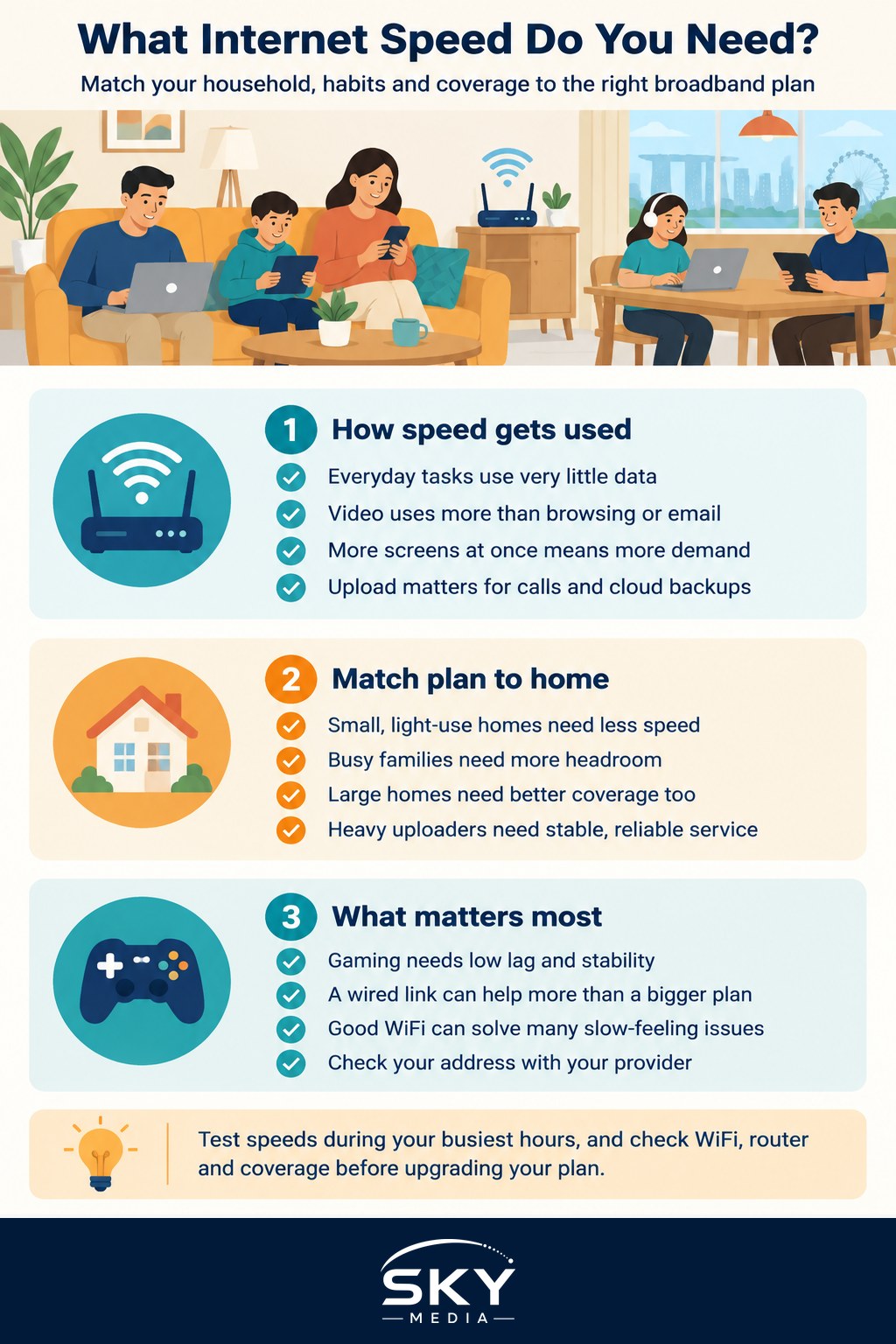
How Speed Actually Gets Used at Home
It helps to separate two ideas that often get muddled. The first is the speed your plan can deliver. The second is how much of that speed any single activity demands. Most everyday tasks are surprisingly light. Sending a message, loading a web page, or making a voice call barely touches your connection. Video is where consumption climbs, and it climbs further as the picture sharpens from standard definition to high definition and then to ultra high definition.
The other factor is simultaneous use. One person streaming a film uses a modest slice of a fast connection. The strain appears when four people stream different shows while someone uploads a large work file and a game console downloads an update in the background. Speed is shared, so the question is rarely “is this fast enough for one thing” but “is this comfortable for everything happening at once”.
A common surprise for people who work from home is the upload side of the connection. Downloading is what most of us notice, but video calls, backing up photos to the cloud, and sending large attachments all rely on upload. Many fibre plans offer generous upload, which is one reason video meetings usually feel smooth once the rest of your setup is sound.
Here is a rough guide to how demanding common activities are, so you can picture where your household sits. These are relative bands, not promises, and they assume a healthy connection reaching the device.
| Activity | Relative demand | Notes |
|---|---|---|
| Browsing, email, messaging | Very light | Fine even on modest connections |
| Music streaming | Light | Barely registers on most plans |
| Standard video calls | Light to moderate | Upload matters as much as download |
| High definition streaming | Moderate | Comfortable per stream on most fibre plans |
| Ultra high definition streaming | Higher | Adds up quickly with several screens |
| Large file uploads and backups | Variable | Depends on file size and how often |
| Online gaming | Moderate | Stability and low lag matter more than raw speed |
Notice that gaming sits in the middle for raw demand. What gamers really want is a steady, responsive connection with low lag rather than the biggest number on the box. A wired link or a strong signal to the console often does more for the experience than upgrading to a higher tier.
Matching a Plan to Your Household
Rather than chasing a figure, sketch a picture of a busy evening in your home. Count the people, count the screens likely to be active at once, and note the heavier activities such as ultra high definition streaming, frequent large uploads, or several gamers. That mental snapshot tells you far more than any single number.
A smaller household with light habits, think one or two people who browse, message, and watch the occasional show, will feel well served by an entry level or mid range plan. There is little benefit in paying for the very top tier when your evenings rarely stress even a modest connection. The money is often better spent on a good router or better WiFi coverage, which we will come back to.
A busy family home is the classic case for a higher tier. When several people stream in high or ultra high definition, someone works from home on video calls, and a console or two sits in the mix, more headroom keeps everything smooth during the peak evening window. If your home is large or spread across floors, budget attention and money for coverage too, because a fast plan cannot help a room the signal struggles to reach.
Heavy uploaders and remote professionals form a third group. If your day involves sending big files, running long video meetings, or backing up large amounts of data, pay close attention to the upload side and to reliability. For this group, a stable wired connection at the desk often matters more than any speed upgrade.
A few practical habits help whatever plan you choose. Test how things feel during your actual busy hours, not at midnight when nobody else is online. If something feels slow, check your WiFi and router before assuming the plan is at fault, since coverage problems masquerade as speed problems all the time. And when a plan is up for renewal, revisit your household picture, because needs drift as children grow, work patterns change, and viewing habits shift.
The reassuring message is that most homes in Singapore do not need the very fastest plan to feel fast. A sensible tier matched to your household, paired with a decent router and good coverage, delivers a smooth experience for far less stress. Work out your real pattern of use, confirm what is available at your address with your provider, and let that guide the decision rather than the largest number on the advertisement.
Explore more
Home Broadband
Understanding Fibre Broadband and the ONT
How to Fix Slow Home WiFi
How to Choose a WiFi Router
Frequently Asked Questions
Why is my WiFi slow when my plan is supposed to be fast? The advertised speed is a maximum under good conditions, and WiFi coverage, router quality and distance often matter more. Test next to the router, and if it is fast there, the plan is fine and the problem is coverage. A wired link or better router placement can help.
Do I need a faster plan if I work from home on video calls? Not necessarily. Video calls are light to moderate, but they rely on upload as well as download, so reliability matters most. A stable wired connection at your desk often helps more than a higher tier. Check upload details with your provider.
How many people can stream at once on one home connection? It depends on your plan and the picture quality being streamed, since speed is shared among everyone online. Several high-definition streams are usually comfortable on a decent fibre plan, but ultra high definition adds up quickly. Picture your busiest evening and ask your provider.
When should I test my internet speed to get a useful result? Test during your actual busy hours, not at midnight when nobody else is online. Run it a few times, ideally near the router and then in the room where you have problems. Comparing the results shows whether the issue is the plan or the WiFi.
Is it worth switching to a cheaper plan when my contract ends? Often yes, if your household’s habits have not grown demanding. Revisit how many people and screens are active at once, then confirm what is available at your address with providers. Spending on a good router or coverage can beat paying for a higher tier.
Further reading: How to Test Your Home Internet Speed Accurately