
WiFi is wonderfully convenient, but it is not always the steadiest way to connect the things that matter most. If your desk, television, or games console sits far from the router, a wired link often feels calmer and more reliable than a signal fighting through walls. Setting up home ethernet in Singapore does not have to mean drilling through concrete or calling a contractor. This guide walks through your options, from proper cabling to powerline adapters, with plenty of renter-friendly notes and a few safety reminders along the way.
The appeal of a wired connection is simple. It sidesteps the interference, distance, and congestion that trouble WiFi, especially in dense blocks where many networks compete for the same airspace. For anything that stays in one place and benefits from a steady link, a desktop computer, a smart television, a console, or a mesh node, running a cable is often the single most effective upgrade you can make.
Ethernet Cabling: The Reliable Backbone
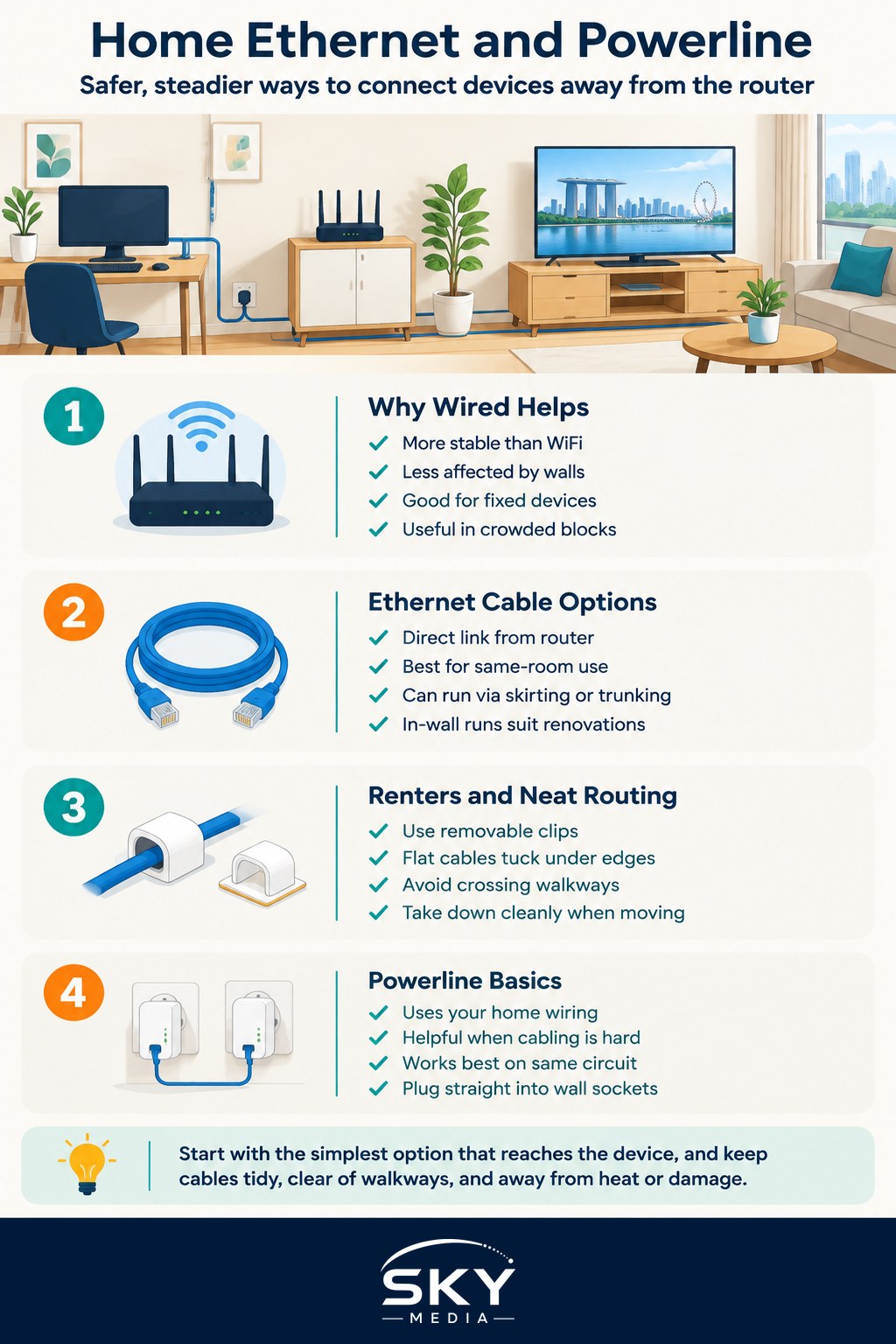
An ethernet cable carries your connection directly from the router to a device, which removes WiFi from the equation entirely for that link. The result is usually more consistent and less prone to the little stutters that appear when a signal weakens. You do not need to memorise cable categories or specifications; for home use, a good quality cable of a reasonable modern category will comfortably handle typical broadband. When in doubt, buy from a reputable seller and pick a length with a little slack rather than one stretched tight.
The practical challenge is routing the cable neatly. In a flat where the router and the device share a room, this is trivial: a short cable does the job and tucks away easily. The task grows when you want to reach another room. Homeowners planning renovations have the best opportunity here, since cables can be run inside walls or trunking and finished with tidy wall sockets. If you are already renovating, it is worth asking whoever does the work to include a few network points in the rooms where you are likely to want a wired connection, because retrofitting later is far more disruptive.
For those not renovating, you can still run cables along skirting boards, doorframes, and corners using clips or adhesive-backed trunking that hides the cable and protects it from being trodden on. Flat ethernet cables are handy here, since they sit discreetly under rugs or along edges. The key is to avoid trailing cables across walkways where they become a trip hazard or get damaged. A little planning of the route before you start saves a lot of retracing.
Renters have understandable limits on drilling and permanent fixtures. The good news is that most tidy cable runs use removable clips and trunking that leave no lasting marks, and a cable along the edge of a room can be taken down cleanly when you move. If you would rather not run any cable at all, that is exactly where powerline adapters come in.
Powerline Adapters and How to Choose
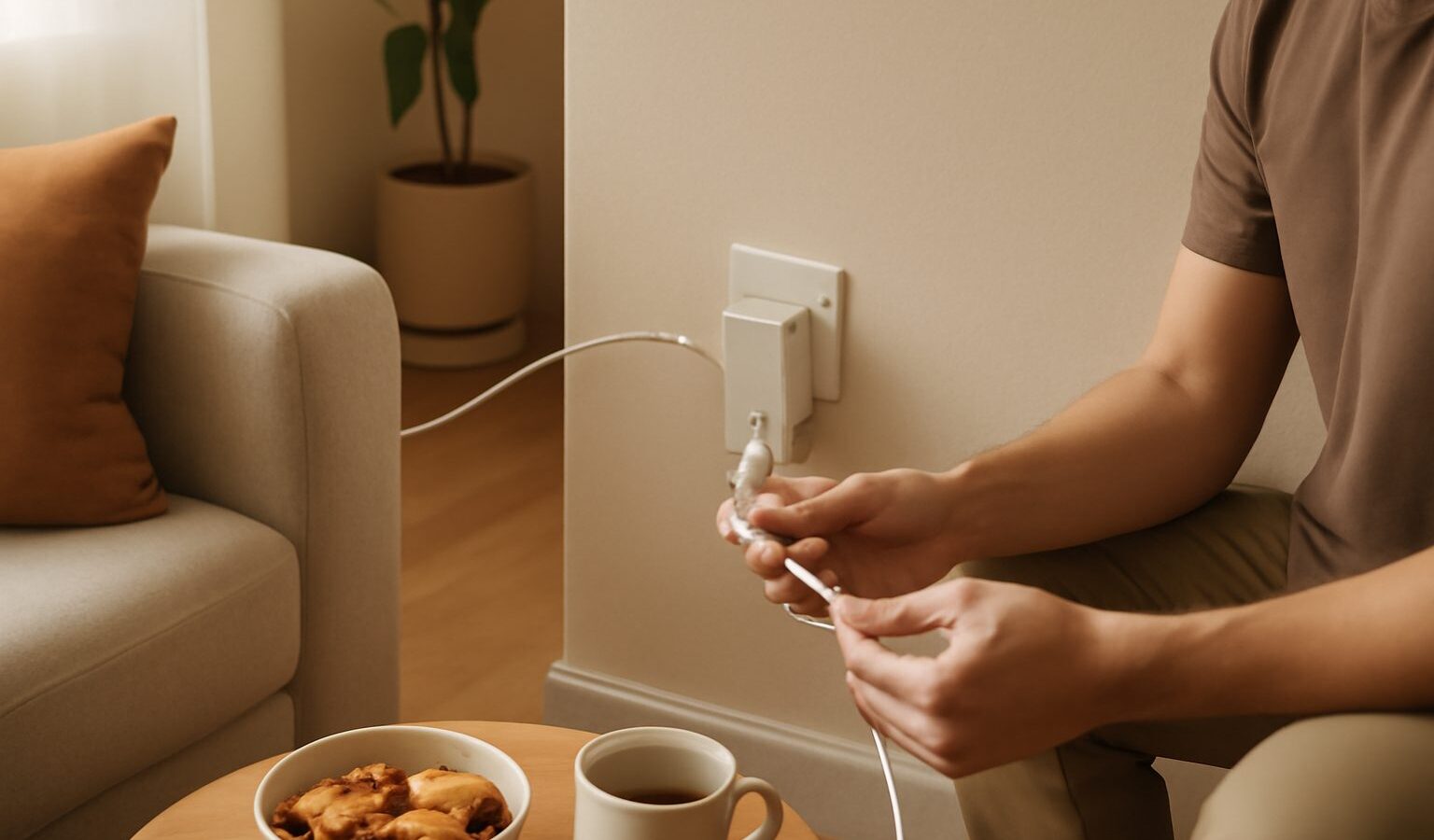
A powerline adapter sends your network signal through the existing electrical wiring of your home. You plug one adapter into a socket near the router and connect it with a short cable, then plug a second adapter into a socket in another room and connect your device to it. In effect, your home wiring becomes the pathway, and you avoid running a long cable through the flat. For renters and for homes where cabling is impractical, this can be a neat middle ground between the reliability of a cable and the convenience of WiFi.
Powerline is genuinely useful, but it comes with honest limits that are worth knowing before you buy. Performance depends heavily on the condition and layout of your electrical wiring, which you cannot easily see or change. Two sockets on the same circuit usually work well, while sockets far apart or on different circuits may perform less predictably. Older wiring, long distances, and electrical noise from other appliances can all reduce how well it works. Because of this variability, treat powerline as something to try rather than a guaranteed outcome, and buy from a seller who allows a return if it does not suit your home.
A few habits help powerline perform at its best. Plug the adapters directly into a wall socket rather than into a power strip or extension, since strips can interfere with the signal. Keep the adapters away from heavy appliances that create electrical noise. And use adapters designed and certified for local sockets and voltage rather than travel-plug arrangements, both for performance and for safety.
Here is a quick comparison to help you decide which approach fits your situation.
| Approach | Best for | Watch out for |
|---|---|---|
| Direct ethernet cable | Devices in the same room as the router | Short, simple, hard to beat for reliability |
| Cable along skirting or trunking | Reaching another room without renovation | Plan the route, avoid trip hazards |
| In-wall cabling | Homeowners renovating | Best done during works, disruptive to retrofit |
| Powerline adapters | Renters, homes where cabling is hard | Depends on your wiring, results vary |
Safety deserves a closing word because it is easy to overlook. Always plug adapters and any network equipment into proper, undamaged wall sockets, and never overload a socket or extension. Use equipment suited to local power standards, keep cables clear of walkways and doors where they could be pinched or tripped over, and do not run cables under carpets in a way that traps heat or hides damage. If a socket, plug, or adapter ever feels hot or shows any sign of damage, stop using it and have it checked.
Whichever path you choose, the payoff is the same: a steadier, calmer connection for the devices that stay put. Start with the simplest option that reaches where you need it, a short cable where possible, a tidy run or a powerline pair where not, and you will often find the wired parts of your home quietly become the most dependable.
Explore more
How to Fix Slow Home WiFi
Home WiFi and Mesh Networking
How to Choose a WiFi Router
Home Broadband
Frequently Asked Questions
Will a powerline adapter work in any HDB flat? There is no guarantee. Performance depends on your electrical wiring, and sockets on the same circuit usually work better than ones far apart. Try one pair and buy from a seller that accepts returns, so you are not stuck if it does not suit your home.
Why shouldn’t I plug a powerline adapter into an extension strip? Power strips can interfere with the signal and reduce performance, so plug adapters directly into a wall socket. Keeping them away from heavy appliances that create electrical noise also helps. Never overload a socket or strip, whichever way you connect them.
Can I run an ethernet cable in a rented flat without drilling? Usually yes. Removable clips, adhesive-backed trunking and flat cables along skirting boards and doorframes leave no lasting marks and can be taken down when you move. Plan the route first and keep cables out of walkways to avoid a trip hazard.
Is ethernet or powerline better for gaming? A direct ethernet cable is generally steadier because it avoids WiFi and wiring variability. Powerline can be a good middle ground when running a cable is impractical, though results vary. For games, a stable, low-lag connection matters more than the biggest speed number.
What should I ask the contractor about network points during renovation? Ask for a few network points in rooms where you may want a wired connection, such as the study, living room and bedrooms, with cables run in walls or trunking. It is far less disruptive than retrofitting later. Confirm the plan with your contractor before works begin.