

Your hands do a lot of work when you game, whether you are firing off combos on a fight stick, clicking through a strategy match or gripping a controller for hours. Over a long session that repetitive movement can leave your wrists and fingers stiff or achy. A few simple wrist stretches for gamers singapore players can do at their desk help keep your hands feeling loose and comfortable. This is a general wellbeing guide, not medical advice, so treat it as gentle self-care rather than treatment.
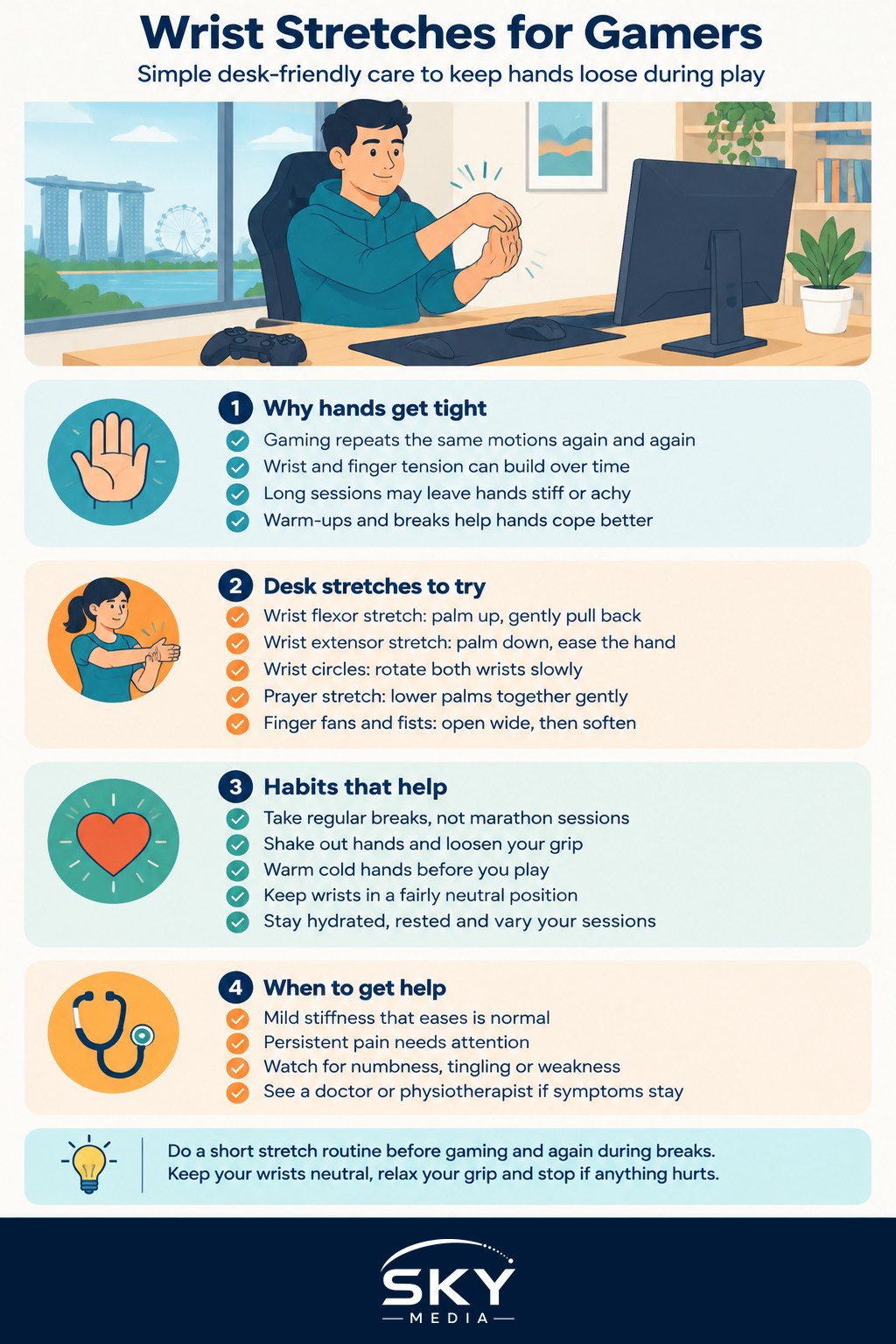
Why Your Hands Need Attention
Gaming involves lots of small, fast, repeated movements in the same positions. Your fingers tap, your wrist stays bent, and your grip stays tense, often for far longer than you notice. That combination of repetition and static tension is exactly what leaves hands feeling tired and tight.
Warming up before you play and stretching during breaks helps your hands cope with all that activity, much like a light warm-up before sport. It is not about being dramatic, it is about small, regular care that keeps a hobby you love comfortable. If you want a fuller pre-session routine, our warm-up routine for gaming is a good companion to the stretches below.
The other big factor is your setup. Even the best stretches will not fully undo a cramped, badly angled desk. Keeping your wrists in a fairly neutral position while playing makes a real difference, which is where an ergonomic gaming setup comes in, particularly for players squeezing a rig into a small HDB space.
Gentle Stretches You Can Do at Your Desk
Do these slowly and never force anything. A stretch should feel like a mild pull, never pain. Ease off if anything hurts.
- Wrist flexor stretch. Extend one arm out in front, palm facing up. With your other hand, gently pull the fingers back toward you until you feel a light stretch along the underside of your forearm. Hold for around twenty to thirty seconds, then swap sides.
- Wrist extensor stretch. Extend one arm out, palm facing down. Gently press the back of the hand down and toward you until you feel a stretch along the top of the forearm. Hold and swap.
- Wrist circles. Make loose fists and slowly rotate both wrists in circles, a few times each way. This warms up the joint without strain.
- Prayer stretch. Press your palms together in front of your chest, fingers pointing up, then slowly lower your hands toward your waist while keeping the palms together until you feel a gentle stretch. Hold briefly.
- Finger fans and fists. Spread your fingers wide, hold for a moment, then close into a soft fist. Repeat several times to work the small muscles of the hand.
- Thumb stretch. Gently pull each thumb back and away from the palm, since thumbs do a lot of work on controllers and mobile games.
Aim to do a short round of these before you play and again during your breaks. It only takes a minute or two.
Habits That Keep Your Hands Happy
Stretching helps most when it sits inside a few sensible habits. Take regular breaks rather than marathon sessions, and use those pauses to shake out your hands and relax your grip. A death grip on your mouse or controller adds tension you do not need, so consciously loosen up.
- Warm hands work better. In heavily air-conditioned rooms your hands can get cold and stiff, so rub them together or warm them before playing.
- Keep wrists neutral. Avoid resting your wrist at a sharp angle. A supportive mouse position and a comfortable controller grip both help.
- Stay hydrated and rested. General good health supports your joints and muscles too.
- Mix it up. Long, uninterrupted play on the same game hits the same movements over and over, so vary your sessions and breaks.
Pairing this with sensible screen habits keeps your whole body comfortable, and our guide to avoiding gaming strain and injury covers posture, seating and more.
When to Rest and When to See a Professional
Mild stiffness that eases with rest and stretching is normal. But your body also sends signals worth listening to. If you notice persistent pain, numbness, tingling, weakness or aching in your hands, wrists or forearms that does not settle with rest, please stop pushing through it and see a doctor or physiotherapist. Ongoing symptoms can point to conditions such as repetitive strain injury, and a professional can assess you properly and guide safe treatment. Nothing in this article replaces that advice.
A Simple Takeaway
Looking after your hands does not need to be complicated. A quick round of wrist stretches for gamers singapore players can fit into any break, a comfortable setup, regular pauses and a relaxed grip go a long way toward keeping your hands feeling good. Be kind to them, listen to any warning signs, and get proper help if pain lingers. Your hands are what let you enjoy every game you play, so a little care keeps you in the game for the long run.
Frequently Asked Questions
How long should I hold each wrist stretch? Around twenty to thirty seconds is a common guide, as mentioned for the main stretches, but listen to your body. The stretch should feel like a mild pull, never pain. Ease off if anything hurts, and repeat each side once or twice.
Can wrist braces or supports help when gaming? Some people find them comfortable, but they are not a cure and can hide poor posture. Fix your desk setup and take breaks first. If you are thinking of wearing one regularly, ask a doctor or physiotherapist whether it suits your situation.
Do ergonomic mice and keyboards actually reduce hand strain? They can help by keeping your wrist in a more neutral position, but comfort is personal. A well-fitting mouse and a good desk height matter as much as the product. Try before you buy where possible, and combine with regular breaks.
Should I stretch before or after a gaming session? Both are useful. A brief stretch beforehand warms up your hands, and doing it again during breaks and after a long session eases tension built up. A minute or two each time is enough, so it fits easily into your routine.
What are early signs of repetitive strain injury in gamers? Early signs can include lingering aching, tingling, numbness, weakness or stiffness in the hands, wrists or forearms that does not settle with rest. Do not wait for it to worsen. A doctor or physiotherapist can assess you and advise on treatment.
Further reading: Ray Tracing Explained for Gamers