
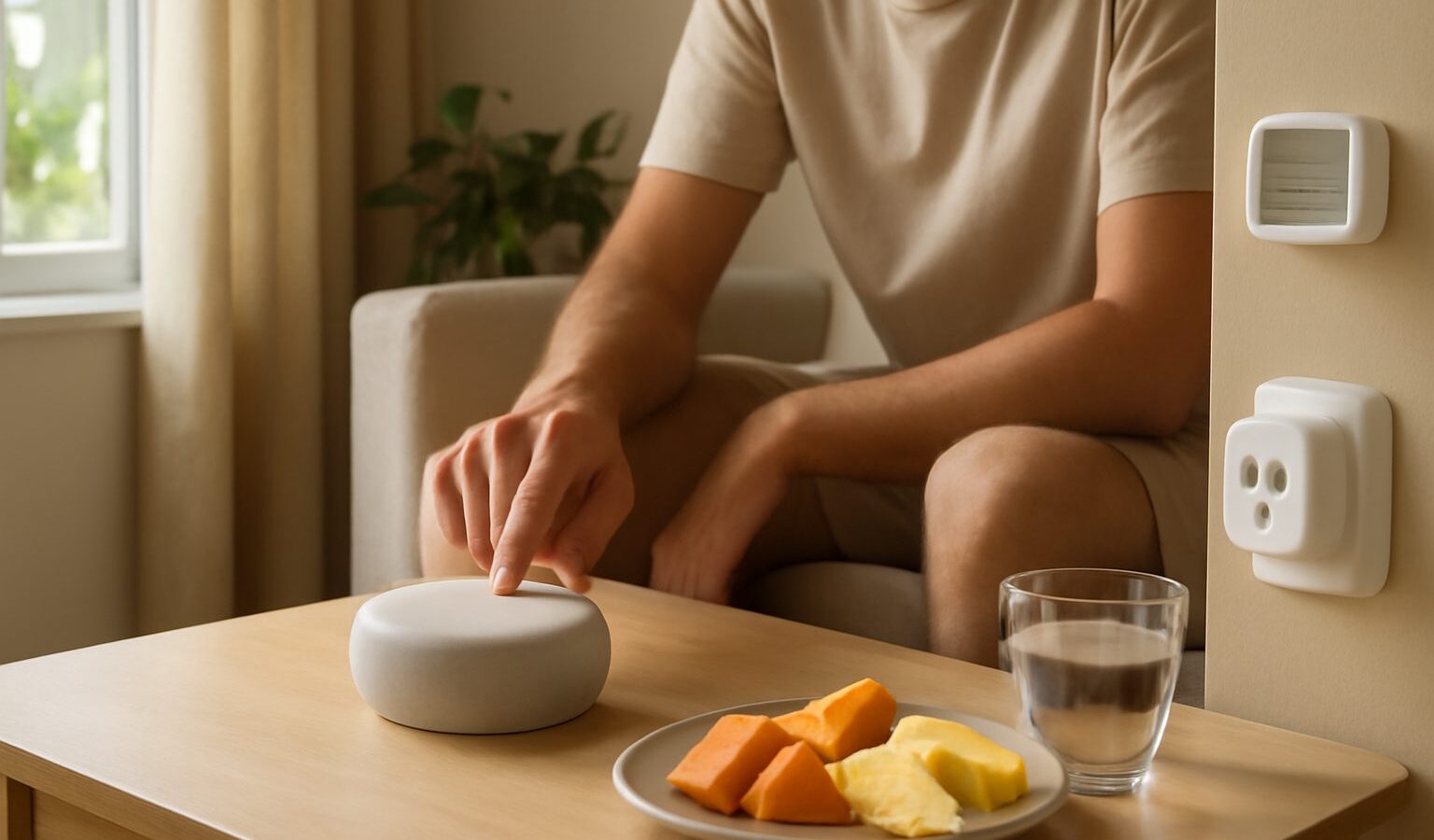
Building a smart home Singapore setup does not mean rewiring your flat or spending thousands. For most people it starts with one plug or one bulb, controlled from a phone, and grows slowly from there. The appeal is simple: lights that turn on before you get home, an aircon you can switch off after you have already left for work, and a speaker that answers questions while your hands are full. This guide walks a first-timer through the choices that actually matter, with HDB flats, condos, and renters in mind. You do not need to understand everything on day one. You just need to avoid the few decisions that are annoying to undo later.
What “Smart Home” Actually Means
A smart home is just everyday devices that can be controlled remotely or automated, usually through your home Wi-Fi and a phone app. A smart plug sits between the wall socket and a normal appliance, so a standing fan or a lamp becomes app-controlled without any new wiring. A smart bulb screws into an existing fitting and changes brightness or colour. A smart speaker listens for voice commands and acts as a small control centre.
The magic is not any single gadget, it is the automations that tie them together. “Turn off all lights at midnight,” “switch on the porch light at sunset,” or “start the aircon when I am ten minutes from home.” In a compact HDB flat, even small automations add up, because you are often crossing the same few metres between the living room, kitchen, and bedrooms many times a day.
Start with a genuine problem you have, not a shopping list. If you keep forgetting to switch off the water heater, a smart plug solves that. If your corridor is dark when you carry groceries in, a motion-triggered bulb solves that. Solve one thing well, then expand.
Choosing an Ecosystem
The single most important early decision is which ecosystem, or “platform,” to build around. This is the app and voice assistant that everything talks to. In Singapore the four common choices are Google Home, Apple Home, Amazon Alexa, and Samsung SmartThings. You can mix devices later, but life is far smoother when most of your gear plays nicely with one main platform.
Pick based on the phones and habits already in your household. iPhone users often lean toward Apple Home for its tighter privacy stance. Android users tend to find Google Home the most natural fit. Alexa has the widest range of cheap compatible devices, though some Amazon hardware is easier to buy here than others. SmartThings makes sense if you already own Samsung appliances or a Samsung TV.
Before buying any device, check the box or product listing for the logos of the ecosystem you chose. A newer standard called Matter is slowly making devices work across platforms, which reduces lock-in, but do not assume everything supports it yet. Verify compatibility before you pay.
| Ecosystem | Best suited to | Voice assistant | Notes for SG homes |
|---|---|---|---|
| Google Home | Android households | Google Assistant | Wide device support, easy app, popular locally |
| Apple Home | iPhone and iPad users | Siri | Strong privacy focus, fewer budget devices |
| Amazon Alexa | Bargain hunters, tinkerers | Alexa | Huge device range, some hardware harder to source |
| Samsung SmartThings | Samsung appliance owners | Bixby or others | Great if your TV and appliances are Samsung |
Starter Devices Worth Buying First
Keep your first purchase small and cheap so a mistake costs little. Good entry points, roughly in order:
- Smart plugs. The most forgiving starter device. Plug in a fan, lamp, or the aircon’s wall socket and control it by app or schedule. Choose a compact one so it does not block the second socket on a standard HDB twin outlet.
- Smart bulbs. Easy wins for the living room and bedroom. Colour-changing bulbs are fun, but tunable white (warm to cool) is the more useful everyday feature in our climate.
- A smart speaker or display. This becomes your voice hub, timer, and quick-control panel. A small display is handy in the kitchen for recipes and reminders.
Avoid the temptation to kit out the whole flat at once. Buy one or two items, live with them for a fortnight, then decide what genuinely earned its place. Shopee, Lazada, Courts, and Harvey Norman all stock starter gear, and Carousell is worth a look for lightly used speakers, though check the seller has factory-reset the device first.
Hubs, Wi-Fi, and Zigbee Explained
Devices connect to your home in a few different ways, and knowing the difference saves headaches later.
Wi-Fi devices join your router directly, like your phone does. They are the simplest to set up because no extra box is needed. The trade-off is that many Wi-Fi gadgets crowd your network, and a typical HDB flat already juggles phones, laptops, TVs, and consoles. A dozen cheap Wi-Fi bulbs can strain a basic router.
Zigbee and Thread devices use a separate low-power wireless network and need a hub, a small box that bridges them to your Wi-Fi and the internet. The upside is that these devices sip power, respond quickly, and keep your Wi-Fi uncluttered. Many people start with Wi-Fi devices for simplicity, then move to a hub-based system once they pass roughly ten to fifteen devices, or if reliability starts to wobble.
There is no single correct answer. If you plan to stay small, Wi-Fi devices are fine. If you can already picture twenty devices across the flat, a hub-based Zigbee system will age better. Whatever you choose, a solid router matters, because every automation depends on your network being steady.
Renting or in a No-Drilling Flat
Renters and anyone reluctant to alter fittings have plenty of no-wiring options. Everything below removes cleanly when you move out:
- Smart plugs need no installation at all.
- Screw-in smart bulbs replace existing bulbs and can be swapped back.
- Battery or stick-on sensors and buttons use adhesive pads, not screws.
- Plug-in speakers and displays move with you.
The one thing to avoid without permission is a smart wall switch, because swapping a switch means touching mains wiring behind the wall. That is not a DIY job. If you own the flat and want switches, engage a licensed electrician, and for HDB flats check the current HDB renovation rules before any electrical work. For rentals, stick to bulbs and plugs and you will never need to open a wall.
Privacy and Living With It Sensibly
Smart devices are convenient, but they do listen and connect to the internet, so a little caution is fair. Use a strong, unique password for your ecosystem account and turn on two-factor authentication. Buy from reputable brands that publish clear privacy policies and keep issuing security updates, rather than the cheapest unbranded gadget you can find. Smart speakers only send audio after their wake word, and every major platform lets you mute the microphone with a physical button or review and delete voice history in the app. If a camera makes you uneasy, keep it out of bedrooms and bathrooms entirely. None of this needs to be scary. Treat these devices like any other internet account: sensible passwords, trusted brands, and settings you have actually looked at once.
Start with one device, solve one real annoyance, and let the system grow at your own pace. That is how nearly every comfortable smart home in Singapore quietly began.
Explore more
Ready to go further? A reliable network is the backbone of everything here, so read our guide to home Wi-Fi and mesh networks before adding lots of devices. For the most popular first upgrade, see smart lighting ideas for your home, and for the styling side of things, home decor and lighting pairs nicely with a smart setup.