
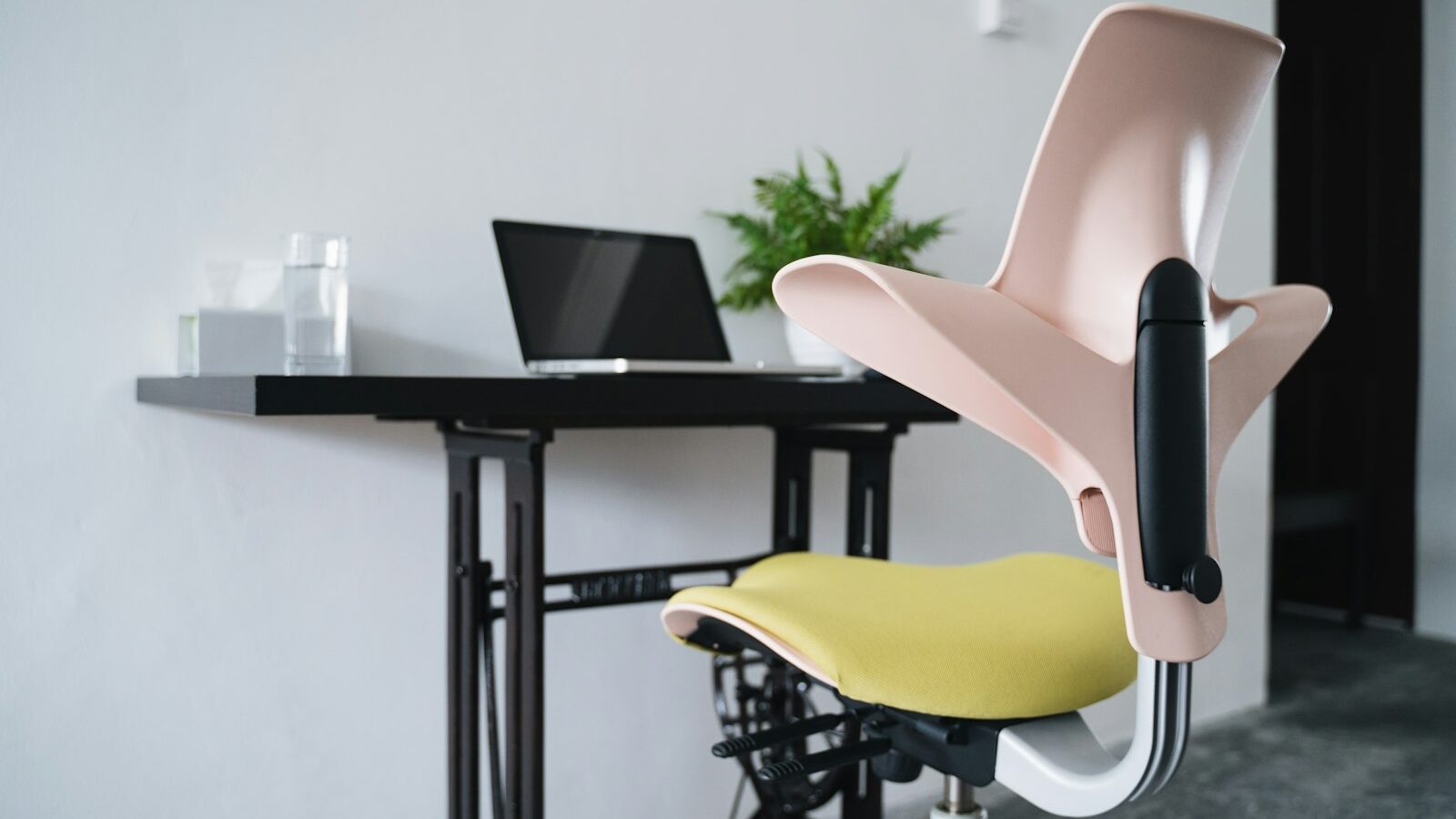
Working from home has made many of us far more aware of how long we sit. A standing desk Singapore residents can raise and lower through the day is one of the more popular answers, letting you alternate between sitting and standing without stopping work. But the category is crowded and confusing, with frames, motors, desktops and a whole ecosystem of accessories to weigh up. This guide breaks down what actually matters so you can build a comfortable, ergonomic setup that fits a typical flat.
The core promise is simple. Changing posture regularly is generally kinder to your back, neck and energy levels than sitting still for hours. A standing desk makes that switch effortless, which is the key to actually doing it. The hardware only helps if the ergonomics are right, so we will cover both.
Frames, Motors and Desktops
The frame is the heart of any adjustable desk, and it is where your money is best spent.
Manual versus electric. Manual frames use a hand crank to change height. They cost less and never need power, but cranking up and down is tedious enough that many people stop bothering. Electric frames raise and lower at the push of a button, which makes frequent switching realistic. For most home users, electric is the difference between a desk you adjust several times a day and one you set once and forget.
Single versus dual motor. Among electric desks, single-motor frames are cheaper but slower and generally support less weight. Dual-motor frames, with a motor on each leg, lift faster, more smoothly and carry more, and they tend to feel steadier when raised. If you can stretch to it, dual motor is the more satisfying long-term choice.
Height range. This is the specification people most often overlook, and it matters a great deal in Singapore, where a wide range of heights share a household. Check both the lowest and highest settings. Taller users need a frame that rises far enough to keep the keyboard at elbow height while standing; shorter users need one that drops low enough to sit properly. If two people will share the desk, look for a frame with programmable memory presets so each person can recall their setting with one press.
Stability. Any tall desk wobbles a little at full height, but a good frame keeps it minimal. Wider feet, thicker steel and dual motors all help. If you type quickly or use a heavy monitor arm, stability is worth prioritising.
Weight limit. Every frame lists a maximum load. Add up your monitors, arm, computer, and everything else that lives on top, then leave a comfortable margin. Overloading a lifting mechanism is the fastest way to wear it out or trip its safety cut-off.
The desktop. Frames are often sold separately from tops, giving you a choice of size, material and finish. Measure your space carefully first. Flats are compact, so a top that fits your corner without blocking a walkway or a window matters more than raw size. Check that the desktop’s dimensions match the frame’s adjustable width.
Accessories That Make It Work
A standing desk on its own solves half the problem. The accessories below turn it into a genuinely ergonomic workspace.
A monitor arm frees your screen from its stock stand, letting you set the exact height and distance for both sitting and standing. This is arguably the single most valuable add-on, because a screen at the wrong height undoes much of the benefit of standing.
An anti-fatigue mat cushions your feet when standing. Standing on a hard floor for long stretches is its own kind of strain, and a supportive mat makes longer standing sessions comfortable rather than punishing.
Cable management keeps the mess under control. Because the desktop moves up and down, loose cables can snag, stretch or unplug. A cable tray, clips and a mounted power strip let the whole surface travel safely. This is easy to ignore and annoying to live without.
A keyboard and mouse at the right height complete the picture. When standing, your forearms should sit roughly parallel to the floor with relaxed shoulders. If the desktop is slightly too high for that, a keyboard tray can lower your hands into the correct position.
Here is a quick way to think about the tiers.
| Setup level | Frame choice | Accessories to add | Best for |
|---|---|---|---|
| Budget | Manual or single motor | Anti-fatigue mat, basic cable clips | Light, occasional standing |
| Mid-range | Dual motor with presets | Monitor arm, cable tray, mat | Daily home working |
| Premium | Dual motor, wide height range | Dual monitor arm, keyboard tray, full cable system | Long hours, shared or dual-screen use |
Setting Up for Comfort and Space
Once the hardware arrives, spend a little time on ergonomics. When seated, aim for feet flat on the floor, thighs roughly parallel to the ground, and the top of your screen near eye level. When standing, keep the same screen relationship and let your arms fall naturally to the keyboard. If you find yourself hunching or reaching, adjust the height rather than adapting your posture to the desk.
Ease into standing. Going from all-day sitting to all-day standing simply swaps one form of fatigue for another. A gentle rhythm, such as alternating every half hour or so and listening to your body, is far more sustainable. Programmable presets and a phone reminder make the switch a habit rather than a chore.
Mind the practicalities of a flat. Measure doorways and lifts before ordering, because assembled frames and large desktops are heavy and awkward. Check that your chosen corner has a power point within reach for the desk motor and your devices. Think about the floor too: on tiles or timber, felt pads under the feet protect the surface, and the anti-fatigue mat does double duty in keeping the desk from marking the floor.
Finally, factor in electrical safety as you would with any powered furniture. Use the supplied power adapter, avoid overloading a single extension socket with the desk plus every device, and route cables so nothing is pinched as the desktop travels.
A standing desk is a long-term investment in how your body feels at the end of a working day. Choose an electric frame with the right height range and weight limit, add a monitor arm and a good mat, and tame the cables. Get those basics right and you will have a flexible, comfortable workspace that suits both your body and your flat.
Explore more
Set Up an Ergonomic Tech Workspace
Home Office Setup
Tech Accessories Worth Buying
Choosing a Computer Monitor