
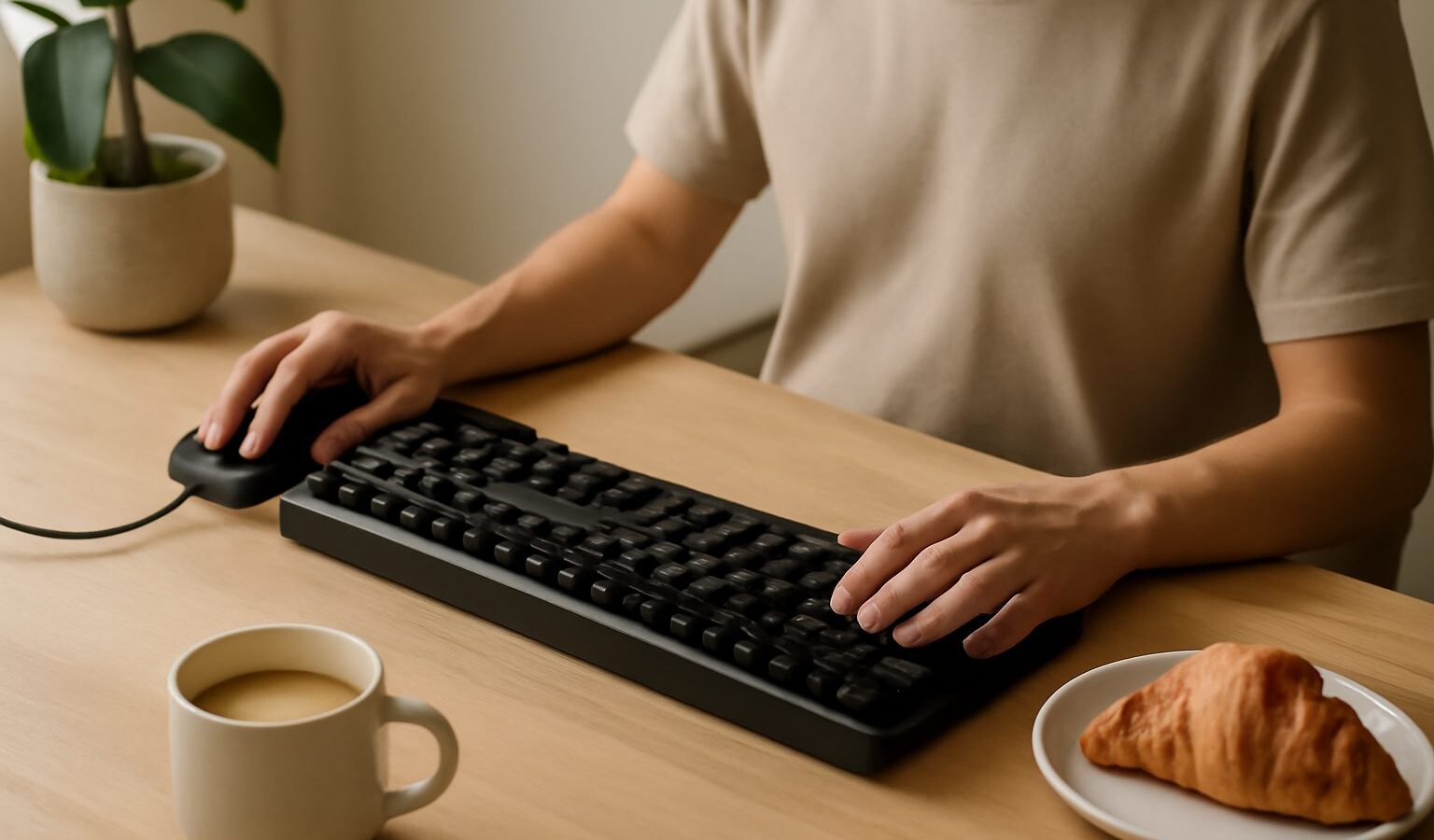
If you have started reading about PC gaming, you have probably seen glowing keyboards and mice covered in words like “mechanical”, “DPI” and “polling rate”, and wondered whether any of it actually matters. The good news is that gaming keyboards and mice are far simpler than the marketing suggests. Once you understand a handful of plain ideas, you can walk into any IT mall in Singapore, or scroll a local online store, and choose gear that fits your hands, your desk and your budget without overspending.
This guide is written for complete beginners and for parents helping a child pick their first proper set. There is no gatekeeping here, and no need to buy the most expensive thing on the shelf. We will explain what the jargon means, what genuinely makes a difference, and what is mostly for show, so you can make a calm and sensible choice.
What Makes a Keyboard or Mouse “for Gaming”
At heart, a gaming keyboard and a gaming mouse do the same job as any other keyboard and mouse. The difference is in how they are built and tuned. Gaming versions tend to register your presses and movements more quickly and reliably, survive years of heavy use, and let you customise buttons and lighting. That is really all “gaming” means on the box.
A few features come up again and again:
- Anti-ghosting and N-key rollover. These clumsy terms simply mean the keyboard can register several keys pressed at once without missing any. That matters when you are holding a direction and pressing another key at the same time.
- Polling rate. This is how often the device reports its position to your computer, measured in hertz. A higher rate feels a touch more responsive, but for most players the difference beyond a certain point is very hard to notice.
- Customisable buttons. Many gaming mice add a couple of extra thumb buttons you can map to actions, which can be genuinely handy once you get used to them.
None of this makes you a better player on its own. Comfort and familiarity matter far more than any single spec, so try to handle a device before you commit if you can.
Keyboard Switches in Plain English
The biggest choice with a keyboard is the type of switch under each key. A “switch” is the little mechanism that decides how a key feels and when it registers your press. There are two broad families.
Membrane keyboards use a soft rubber layer under the keys. They are quiet, cheap and perfectly usable, which is why most office keyboards are membrane. The keys can feel slightly mushy, and they tend to wear out sooner.
Mechanical keyboards use a separate spring-loaded switch under every key. They feel crisper, last far longer, and are easier to repair or customise. Mechanical switches usually come in three flavours, and the colour names are roughly standard across brands:
- Linear switches press down smoothly with no bump, which many gamers prefer for fast, repeated presses.
- Tactile switches give a small bump when the key registers, so you can feel that it worked. These suit people who also type a lot.
- Clicky switches add a loud click on top of the bump. They are satisfying but noisy, which is worth thinking about in an HDB flat with thin walls or a shared bedroom.
There is no single best switch. If you share a room or game late at night, a quiet linear or tactile switch is kinder to everyone. Try a display unit at a shop and see which feels right to your fingers.
Understanding Mouse DPI and Sensitivity
The headline number on gaming mice is DPI, which stands for dots per inch. In plain terms, DPI describes how far your cursor moves on screen for each bit of movement on your desk. A higher DPI means the cursor flies across the screen with a small hand movement; a lower DPI means you move the mouse further for the same result.
Here is the honest truth that shops rarely mention: a very high DPI is not “better”. Many skilled players actually use fairly low settings so they can make large, controlled arm movements for precise aiming. What matters is finding a sensitivity that lets you aim comfortably and repeat the same motion reliably. Most gaming mice let you switch DPI with a button, so you can experiment and settle on what suits you.
A few other mouse terms worth knowing:
- Sensor. This reads the surface under the mouse. Modern optical sensors are excellent even on affordable models, so you rarely need to worry here.
- Weight. Lighter mice are easier to flick quickly; heavier ones feel steadier. This is pure personal preference.
- Shape and grip. Whether you rest your whole palm on the mouse or grip it with your fingertips changes which shape feels good. Hand size matters, so test before buying where possible.
A cheap but comfortable mouse on a decent mousepad will serve a beginner far better than an expensive one that does not fit the hand.
Wired or Wireless, and Sizes That Suit Your Desk
Wired devices plug straight into a USB port. They never run out of battery, cost less, and have effectively zero lag. The only downside is the cable, which can clutter a small desk.
Wireless devices free your desk of cables and look tidier, which is appealing in a compact gaming corner. Modern wireless gaming gear is genuinely fast, so lag is no longer a real worry on good models. The trade-offs are a higher price and the need to charge or change batteries. If you often forget to charge things, a wired set removes that hassle.
Keyboards also come in sizes, and smaller is often smarter in a tight Singapore bedroom:
| Keyboard size | What it includes | Best for |
|---|---|---|
| Full-size | All keys plus the number pad | Spreadsheets and lots of number entry |
| Tenkeyless (TKL) | Drops the number pad | A good balance of space and function |
| Compact (60 to 75 percent) | Drops number pad and some extra keys | Small desks and more mouse room |
A tenkeyless board is a sensible first choice for many players, since it frees up desk space for wide mouse movements without giving up keys you use often.
Buying Sensibly in Singapore
Prices and models change constantly, so always check current listings rather than trusting any figure you read online. You will find gaming keyboards and mice at the big IT malls, in electronics chains, and across local online marketplaces, often with sales during major shopping dates. Whenever you can, visit a shop to feel the switches and hold the mouse, because comfort is the one thing a spec sheet cannot tell you.
A calm buying plan looks like this: set a budget, decide wired or wireless, pick a switch feel you like, choose a size that fits your desk, and ignore lighting unless you simply enjoy it. Do not feel pressured to buy a matching set or the newest release. A modest, comfortable keyboard and mouse will carry you happily through years of gaming, and you can always upgrade once you know your own preferences.
Most of all, remember that skill comes from practice, not price tags. Good gear should quietly get out of your way and let you enjoy the game.