
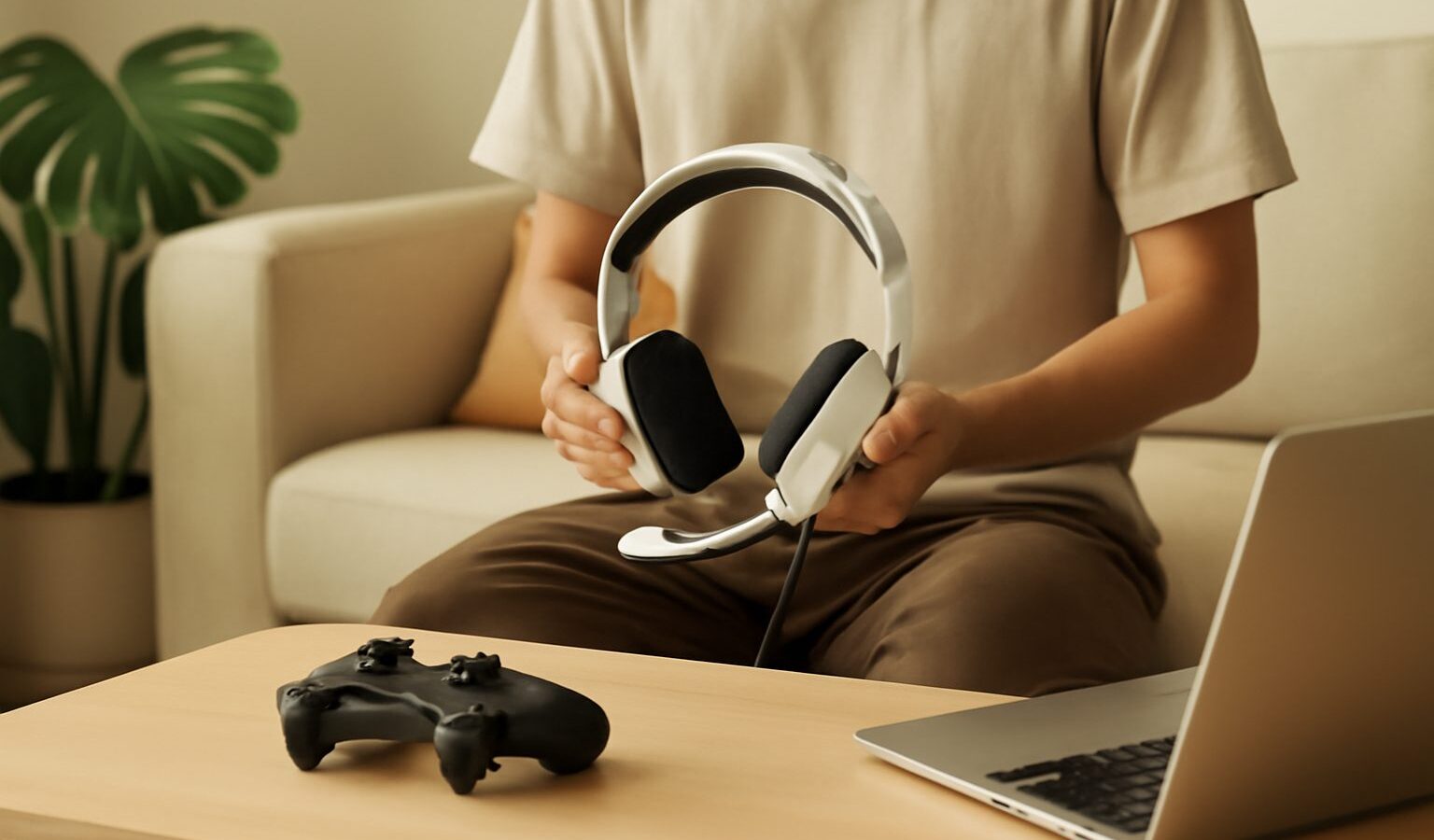
A good gaming headset does two simple things well: it lets you hear the game clearly and lets your teammates hear you. Everything else, from fancy lighting to grand claims about surround sound, sits on top of those basics. If you are buying your first one, or helping a child pick theirs, the choice can feel overwhelming, with dozens of models at every price in the shops. This guide strips away the jargon so you can choose a gaming headset that is comfortable, clear and sensibly priced.
There is no need to spend a fortune, and no single “best” model for everyone. What matters is a comfortable fit, a microphone your friends can understand, and sound that suits how you play. We will walk through each of those in plain language, with Singapore living in mind, since many of us game in shared bedrooms and flats where noise and comfort really count.
Why a Headset Beats Speakers for Most Players
You can absolutely game on speakers, but a headset has clear advantages in a typical Singapore home. It keeps the sound to yourself, so late-night sessions do not disturb family members or neighbours through thin HDB walls. It also blocks out household noise, from the kitchen to the television, which helps you focus.
Most importantly, a headset puts a microphone right by your mouth. Voice chat is a huge part of modern gaming, whether you are coordinating in a team shooter, chatting through a co-op adventure, or joining friends online. “Co-op” simply means playing together towards a shared goal rather than against each other. A built-in mic makes all of that easy without cluttering your desk with a separate microphone.
A headset also helps you hear directional cues, such as footsteps approaching from your left, which can genuinely improve how you play certain games. You do not need expensive gear for this; even a modest headset places sound around you far better than a pair of laptop speakers.
Wired or Wireless
The first real decision is how the headset connects to your device. Both options are perfectly good, so this comes down to your habits and budget.
Wired headsets plug in with a cable, either a single round 3.5mm audio jack or a USB connector. They need no charging, never run flat mid-game, and usually cost less for the same sound quality. The cable is the only nuisance, and it can tug if your chair is far from the desk.
Wireless headsets connect without a cable, which keeps a small gaming corner tidy and lets you step away to grab a drink without unplugging. The trade-offs are a higher price and the need to keep them charged. Modern wireless gaming headsets have very little delay, so audio stays in sync with the action on good models.
- Choose wired if you want the simplest, cheapest, most reliable option and do not mind a cable.
- Choose wireless if a tidy desk and freedom of movement matter more to you than saving money.
- Check the connector matches your device, since phones, consoles and PCs do not all offer the same ports.
If you are unsure, a wired headset is the safe first buy. You can always move to wireless later once you know what you value.
Sound, Microphone and the Surround Sound Question
Two features decide whether a headset is pleasant to live with: how it sounds and how your voice comes across.
For sound, do not get lost in numbers. Most gaming headsets sound clear enough for games, films and music at their price. What you are listening for is balanced sound where footsteps and voices are easy to pick out, rather than booming bass that drowns everything. If you can, test a display unit or read a few honest reviews before buying.
For the microphone, clarity beats everything. Your teammates need to understand you without strain. Many headsets include a mic that flips up to mute or bends into position. A “noise-cancelling” mic tries to reduce background sound like a fan or family chatter, which is useful in a busy flat, though results vary between models.
You will also see “surround sound”, often labelled 7.1. This uses software to simulate sound coming from around you, rather than just left and right. It can help in some games and feel odd in others, so treat it as a nice extra rather than a reason to buy. Plain, good stereo sound is more than enough for most players.
Comfort, Build and Sensible Buying
Comfort is the feature people forget and regret most. A headset you wear for hours must not pinch your ears or press too hard on your head, especially in our warm climate where thick padding can grow hot and sweaty.
Look for these comfort points:
- Weight. Lighter headsets are kinder over long sessions.
- Ear cushions. Soft, roomy cushions that go around the ear tend to feel cooler and more comfortable than ones that press on it.
- Adjustability. A headband that adjusts smoothly helps it fit different head sizes, which matters if siblings share one.
- Build. A little metal in the frame usually lasts longer than all-plastic, though good plastic headsets exist too.
Here is a simple way to match a headset to how you play:
| If you mostly | Prioritise | Worry less about |
|---|---|---|
| Play team games with voice chat | A clear microphone | Surround sound features |
| Game for many hours at a time | Comfort and light weight | Flashy lighting |
| Move around or hate cables | A reliable wireless connection | The lowest price |
| Play on a tight budget | A solid wired headset | Extra software features |
When you are ready to buy, remember that prices and models change quickly, so check current listings at IT malls, electronics chains and local online marketplaces rather than trusting any figure you have read. Where possible, try a headset on in a shop, since comfort is impossible to judge from a photo. Avoid buying purely for looks or brand name, and be wary of unbranded bargains that feel flimsy.
A comfortable, clear headset in the mid range will serve a beginner for years. Spend on comfort and microphone quality first, treat surround sound and lighting as optional, and you will have a gaming headset that quietly does its job every time you sit down to play.