
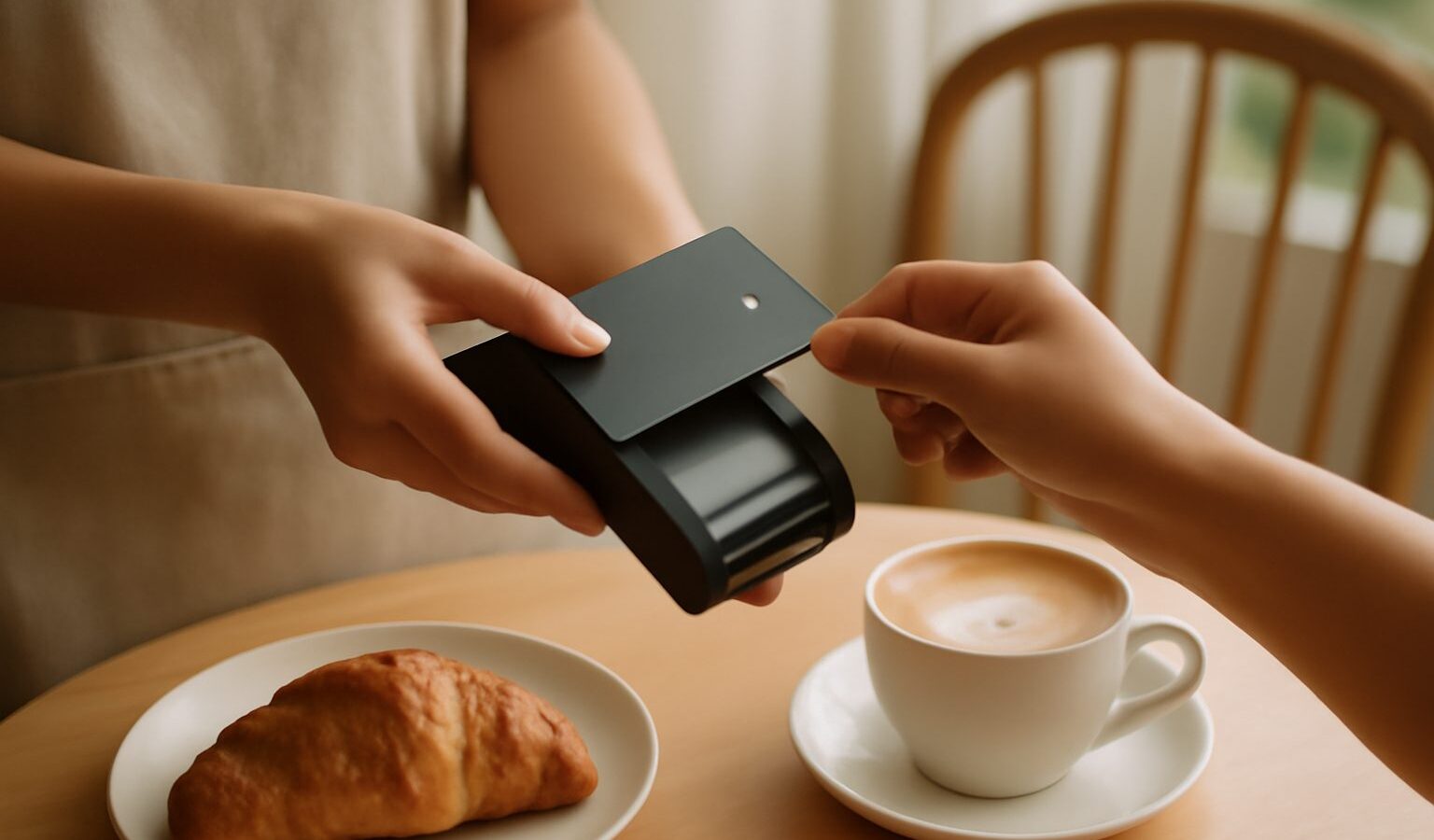
Paying by tapping a card or phone against a terminal has quietly become the everyday default. It is quick, it avoids fishing for exact change, and at a busy till it keeps the queue moving. Yet plenty of people use contactless payment in Singapore without quite knowing what happens in that brief tap, or how to keep it safe. This guide explains how tap-to-pay works in plain language, then focuses on the practical habits that protect your money and your peace of mind.
The core idea is simple. A contactless card, or a phone or watch set up with a payment app, holds your card details securely and communicates with the terminal over a very short range wireless link. You hold the card or device close to the reader, the two exchange the information needed to authorise the payment, and the transaction completes in a moment. There is no need to insert the card or swipe it, which is why it feels so quick.
What Happens When You Tap
Under the surface, a tap is doing a little more than it appears. When you present a card, it shares the details required to process that specific payment rather than simply broadcasting your full card number to the world. When you pay with a phone or watch, the app typically stands in an extra layer: instead of handing over your actual card number, it uses a stand-in reference tied to your device, so the merchant does not receive your real card details. This is one reason many people feel comfortable paying by phone, since your underlying card number is kept out of the exchange.
You will notice that small payments often go through with just a tap, while larger ones ask for more. That step up is deliberate. Below a certain amount, a tap alone is enough for speed and convenience. Above it, the terminal asks you to confirm your identity, usually with your card PIN, or with the fingerprint, face, or passcode on your phone. The exact thresholds are set by the banks and payment schemes and can change, so rather than memorise a figure, simply expect that bigger purchases will ask you to verify, and follow the prompt on the terminal.
Setting up a phone or watch to pay is usually a matter of adding your card in the device’s wallet app and completing a verification step with your bank. From then on, you unlock the device, hold it near the reader, and confirm with your fingerprint, face, or passcode when asked. The card stays safely in your bag while your phone does the work, which many find both faster and tidier than digging out a wallet.
Staying Safe With Every Tap
Contactless is designed to be secure, but your habits are the most important safeguard. The single most useful one is to check the amount on the terminal before you confirm. Whether you are tapping a card or approving on your phone, glance at the figure and make sure it matches what you expect. This simple pause catches honest mistakes and anything that looks wrong before the payment goes through, rather than after.
Guard your PIN and one-time passwords as if they were the keys to your account, because they are. Cover the keypad when you enter your card PIN, and never tell it to anyone. A one-time password sent to your phone is meant for you alone: no genuine bank, shop, or delivery service will ever ask you to read it out or type it into a link they send you. If anyone asks for your OTP or PIN, treat it as a warning sign and stop. Scams frequently rely on tricking people into handing over exactly these codes, so keeping them to yourself defeats a whole category of fraud.
Stick to official apps and channels. When you add a card to a phone, use the device’s own wallet and your bank’s official app rather than anything a stranger recommends or a link in an unexpected message. Download banking and payment apps only from the official app stores, and be wary of messages urging you to install something or to click through to verify your card. If you want to check something about a payment, open your bank’s app yourself or use the number on the back of your card rather than any contact details supplied in a suspicious message.
Here is a quick reference of habits worth making automatic.
| Situation | Do this | Avoid this |
|---|---|---|
| At the till | Check the amount before confirming | Tapping without looking at the total |
| Entering your PIN | Cover the keypad | Letting anyone see or know it |
| Asked for an OTP | Keep it to yourself | Reading it out or typing it into a link |
| Adding a card to your phone | Use the official wallet and bank app | Following links from unknown messages |
| A card is lost or acts oddly | Contact your bank promptly | Waiting to see if it sorts itself out |
A few further habits round things out. Keep an eye on your transaction notifications and statements so anything unexpected surfaces quickly, and turn on payment alerts if your bank offers them. If your card or phone is lost or stolen, contact your bank without delay so the card can be blocked; the sooner you act, the better. And on your phone, keep a screen lock in place, since it is the barrier that stops someone else from paying if the device leaves your hands.
Because thresholds, features, and protections differ between banks and can change over time, treat this guide as the general picture and let your own bank be the final word. Their app and customer service can tell you the current limits on your card, how to manage contactless settings, and what to do if something goes wrong. If you are ever unsure about a payment, a message, or a request for your details, the safest move is always to pause and check directly with your bank through a channel you know is genuine.
Used with these simple habits, contactless payment is one of the small conveniences that genuinely makes daily life smoother. Understand what the tap is doing, verify the amount, protect your PIN and OTP, and stick to official apps, and you can enjoy the speed of tap-to-pay while keeping your money firmly in your own hands.
Explore more
Using Apple Pay and Google Pay
PayNow Explained
Understanding SGQR and Scan-to-Pay