
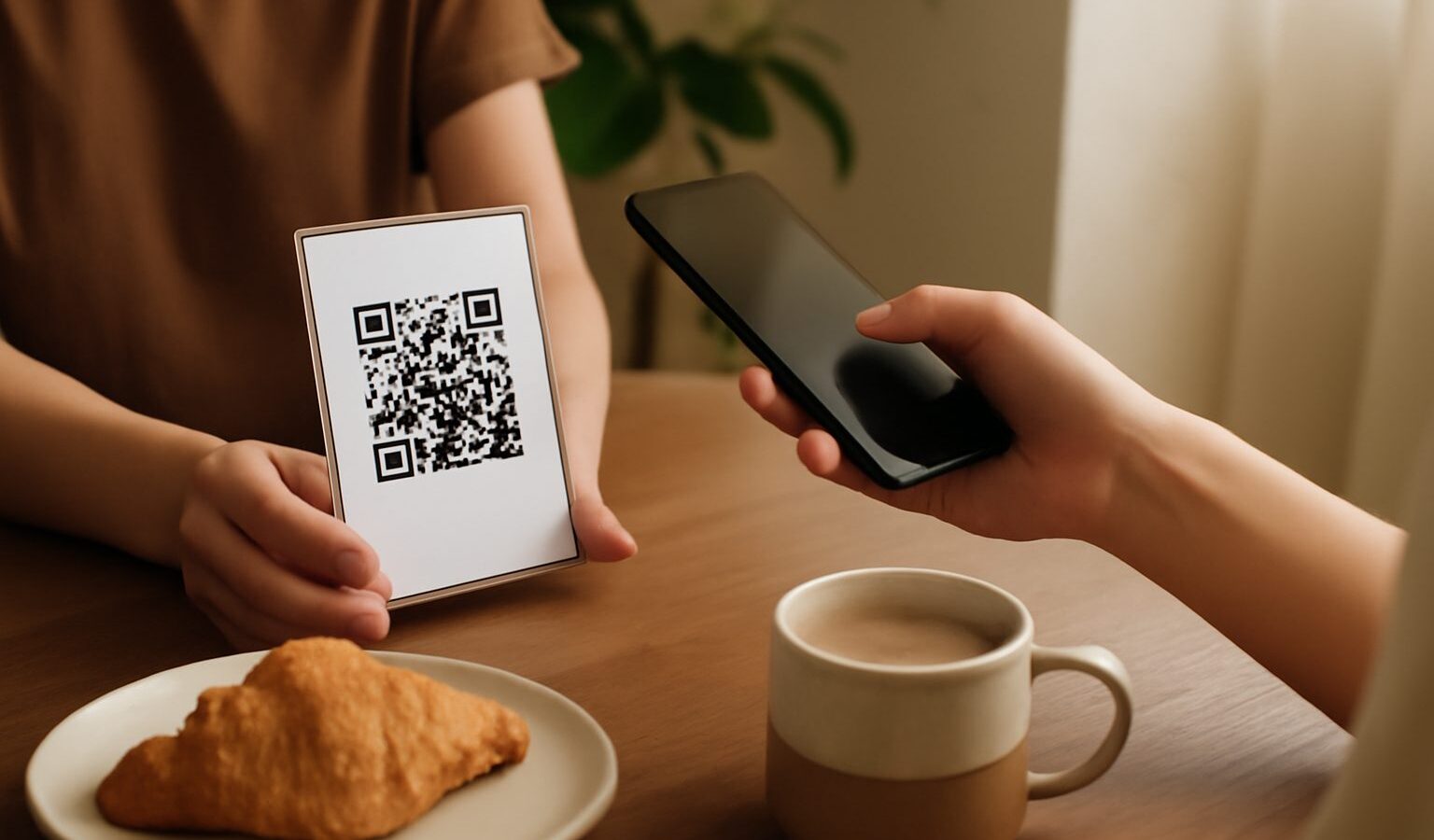
Walk into almost any hawker centre, cafe or shop and you will spot a small square QR code at the counter. Scan it with your banking or wallet app, and you have paid. Behind that everyday convenience sits a neat national idea: SGQR in Singapore, the unified QR code designed to tidy up what was once a confusing wall of separate codes. This guide explains what SGQR is, how scan to pay works, and how to do it safely.
If you have ever hesitated at a counter, unsure which code to scan with which app, this is exactly the problem SGQR set out to solve. Understanding it makes paying by phone quicker and less stressful.
What SGQR Is
In the early days of QR payments, a merchant who accepted several payment schemes might display a whole cluster of QR codes, one for each app. It was cluttered and confusing for customers, and awkward for the shop.
SGQR is the answer. It is a single, standardised QR code that can hold the details for many different payment schemes at once. Instead of a dozen separate codes, the merchant displays one SGQR label, and that one code works with a wide range of banking and wallet apps. When you scan it, your app picks out the scheme it can use and processes the payment. To you it feels like one simple scan.
Think of SGQR as the common frame, and the various payment schemes as the pictures that can sit inside it. A single sticker can represent bank transfers, several e wallets and more, all recognised from the one code. That is why the same SGQR label at a stall might be scanned happily by very different apps from different customers.
How Scan-to-Pay Works
Scan to pay comes in two everyday flavours, and knowing the difference helps you spot when something is off.
The first is where you scan the merchant’s code. You open your banking or wallet app, choose the scan or pay option, point your camera at the SGQR label, and your app reads it. Depending on the setup, either the amount is already filled in, or you key in the amount yourself. You then review the details and confirm. This is the most common style at stalls and small shops.
The second is where the merchant scans your code. Some apps can display a QR code that represents you, the payer, and the cashier scans it at the till, much like a loyalty barcode. Larger retailers sometimes use this method.
Either way, the golden step is the same: before you confirm, look carefully at the payee name and the amount that your app displays. Your app will show who you are about to pay and how much. That confirmation screen is your last chance to catch a mistake, so never rush past it.
Here is a simple side by side:
| Type | Who scans | What to double check |
|---|---|---|
| Merchant presented | You scan the shop’s SGQR code | Payee name and amount before you confirm |
| Consumer presented | The cashier scans your code | The amount on the terminal and your receipt |
| Static code | A printed sticker, you enter the amount | You type the correct amount yourself |
| Dynamic code | A screen shows a code with the amount built in | The amount matches what you were told |
Paying Safely
QR payments are convenient and widely trusted, but the very ease of QR codes is what scammers try to abuse. A code is just a way of carrying information, and a bad one can point your money somewhere you did not intend. A few habits keep you safe.
Always verify the payee name and amount on your app’s confirmation screen before you approve. This single check is your strongest defence. If the name shown is not the shop you are standing in, or the amount looks wrong, stop and ask the staff.
Be wary of QR codes sent to you out of the blue, or stickers that look tampered with. A known scam involves a fraudster pasting their own QR code over a genuine one at a stall, or messaging you a code and a story about why you must scan it. Only scan codes at trusted physical points of payment, and be suspicious of any code that arrives by message, email or a random flyer promising a refund, a prize or an urgent fee.
Never share your OTP, PIN or banking password with anyone. No legitimate merchant or bank needs these to receive a QR payment. If a caller or message asks you to read out a one time code so a payment can go through, it is a scam. Hang up.
Use only your bank’s or the scheme’s official app, downloaded from the official app store, and keep it updated. Do not scan a payment code through a link someone sends you, and do not install a new payment app just because a stranger told you to.
A few more sensible habits:
- Keep your phone locked with a passcode and biometric unlock, so your payment apps are protected if it is lost.
- Check the receipt or in app record after paying, so you have a trail if you need to query anything.
- If a payment feels rushed or pressured, slow down. Genuine merchants will wait a few seconds for you to check.
- Report suspected payment scams to your bank and the authorities promptly.
Why It Matters
SGQR in Singapore quietly makes daily life smoother. One unified code means less confusion at the counter, more apps that just work, and a faster tap and go feeling even for small purchases at a hawker stall. The technology does its job in the background, so your part is simply to scan, check the name and amount, keep your codes and passwords private, and stay alert to anything that feels off.
Payment schemes and their rules can change over time, so treat your bank and the official scheme as the final word on what is supported and any limits that apply. Master the simple habit of verifying before you confirm, and scan to pay becomes one of the easiest and safest ways to handle everyday spending.
Explore more
QR and E-Payments
Using NETS, GrabPay and Local E-Wallets
PayNow Explained
Using Apple Pay and Google Pay