
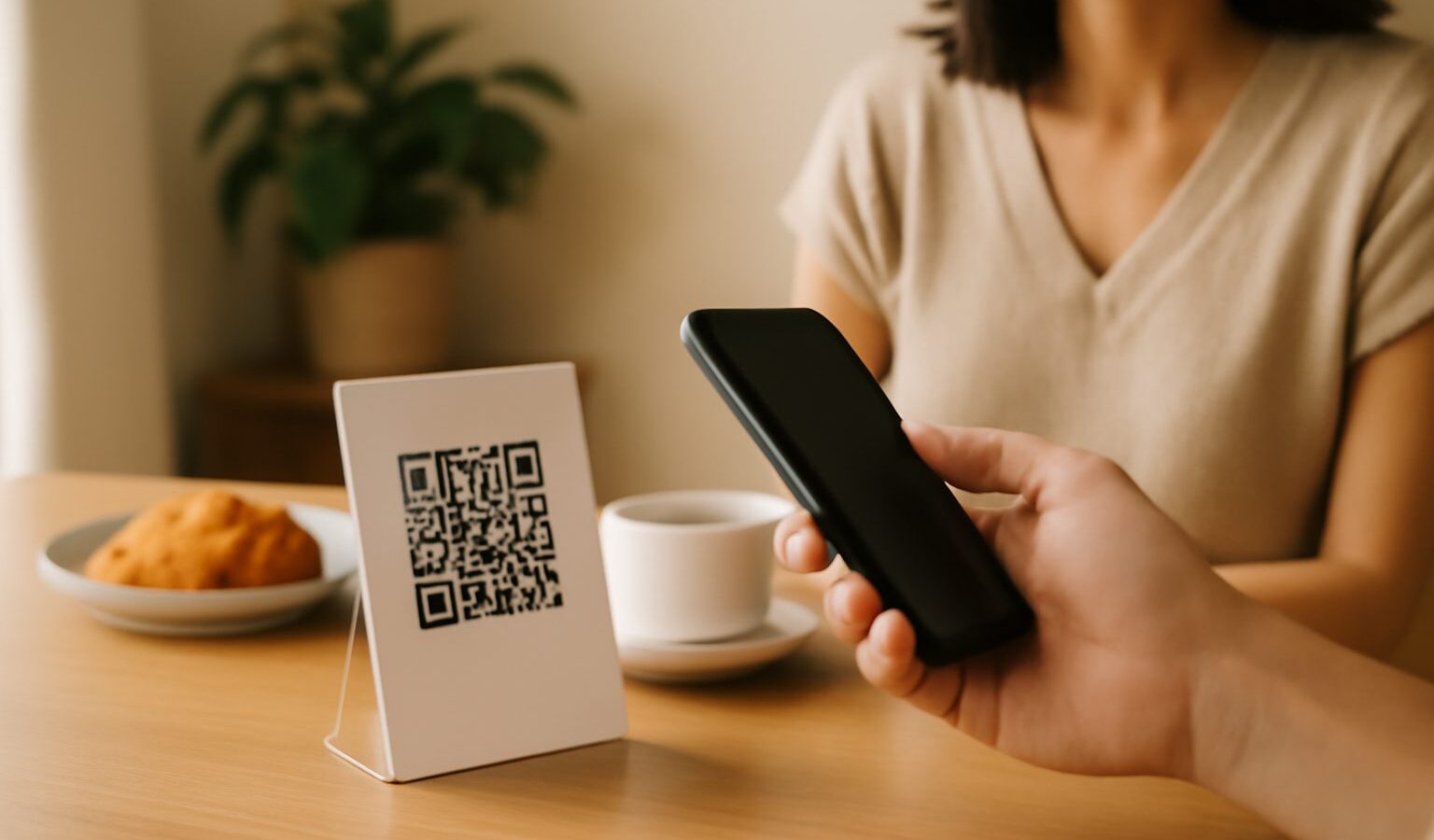
QR codes are everywhere in Singapore now. We scan them to pay at hawker stalls, view menus, top up parking, join events and check product details. They are quick and convenient, which is exactly why scammers have started abusing them. Safe QR scanning in Singapore is worth understanding, because a QR code is just a shortcut, and a shortcut can send you somewhere good or somewhere harmful without you seeing where until it is too late.
The trick to using them worry free is simple. A QR code cannot hurt you on its own. The risk comes from what you do after scanning, usually visiting a website and entering information. So the whole of your safety lives in the few seconds between scanning and acting. This guide shows how to use that pause well.
What Quishing Actually Is
Quishing is phishing that uses a QR code instead of a plain link. Ordinary phishing sends you a dodgy link in an email or message, hoping you click and hand over your details. Quishing hides that same link inside a square of black and white dots, which feels more trustworthy and harder to inspect at a glance.
Once you scan, you might land on a page that looks like your bank, a delivery service or a government site, asking you to log in or pay a small fee. Because you arrived by scanning something in the real world, your guard is often down. The page is fake, and anything you type goes straight to the scammer. Knowing this is the point of the con helps you stay calm and check before you act.
Check the URL Before You Do Anything
Almost every phone now previews the web address before opening it after a scan. This preview is your most important safety tool, so never skip past it.
Look closely at the domain, which is the main part of the address just before the first single slash. Scammers rely on small tricks you might miss in a hurry:
- Misspelled brand names, such as an extra or missing letter.
- Extra words bolted on, like a real name followed by unfamiliar text.
- Odd endings or a jumble of random characters and link shorteners that hide the true destination.
- A page that jumps straight to a login or payment screen you did not expect.
If the address does not clearly match the organisation you think you are dealing with, stop. Close the preview and do not open the page. When in doubt, ignore the QR code entirely and reach the service the way you already trust, by typing the official website yourself or opening the app.
Never Enter Passwords or OTPs From a Scanned Page
This is the single rule that protects you from most quishing. Treat any page you reached by scanning a QR code as untrusted for anything sensitive.
Never key in your passwords, banking details, card numbers or one time passwords on a page you opened from a QR code. A one time password, or OTP, is the code sent to approve a login or payment, and handing it over lets a scammer straight into your account. No genuine bank or agency will make you scan a random code and then demand your OTP on the page that opens.
If you need to log in or pay, back out and go to the official app or website directly. You lose nothing by taking the longer, safer route, and you avoid the one path scammers depend on.
Watch for Tampered and Stuck On Codes
Not every threat is digital. Some are a sticker. Because QR codes are so easy to print, a scammer can cover a real one with their own, redirecting you to a fake payment page while everything looks perfectly normal.
Be especially alert in these everyday spots:
| Where you scan | The risk | A safer move |
|---|---|---|
| Parking meters and machines | A sticker over the real code | Use the official parking app instead |
| Posters and flyers in public | A code added by a stranger | Confirm the campaign online first |
| Restaurant tables and menus | A swapped sticker on the table | Ask staff if the code looks off |
| Letters or notices at home | A fake demand for payment | Verify with the agency directly |
A quick physical check helps. If a QR code looks like a sticker placed over another, has peeling edges, or sits oddly on top of printed material, treat it with suspicion. On an official machine, a code that seems added as an afterthought is a warning sign. When something feels wrong, do not scan it.
A Simple Habit for Everyday Scanning
You do not need to fear QR codes. You just need one steady routine. Scan, then pause and read the address. Ask yourself whether it truly matches the organisation you expect. If it does and you are only viewing a menu or some information, carry on. If it asks you to log in, pay or share personal details, stop and reach the service directly instead.
Safe QR scanning in Singapore really comes down to that habit, plus a healthy suspicion of any code that pressures you to act quickly. Scammers rely on urgency and convenience doing their work for them. A calm few seconds removes almost all of their advantage.
If You Think You Were Caught
If you scanned a suspicious code and entered any details, act promptly rather than panicking. Contact your bank straight away if payment or card information was involved, and ask them to secure your account. Change the password on any account whose details you may have exposed, and turn on two factor authentication if it is not already active. Watch your statements for anything unfamiliar.
Report the scam to the Police and to Singapore’s anti scam channels, and look up the official hotline yourself rather than trusting any number that appeared on the page you scanned. Warning your family and friends, especially older relatives, also helps, since sharing a specific example is often what stops the next person from falling for the same trick.
Explore more
Cybersecurity Basics
Protecting Your Data Online
Using ScamShield and Singapore’s Anti-Scam Tools
Two-Factor Authentication Guide