
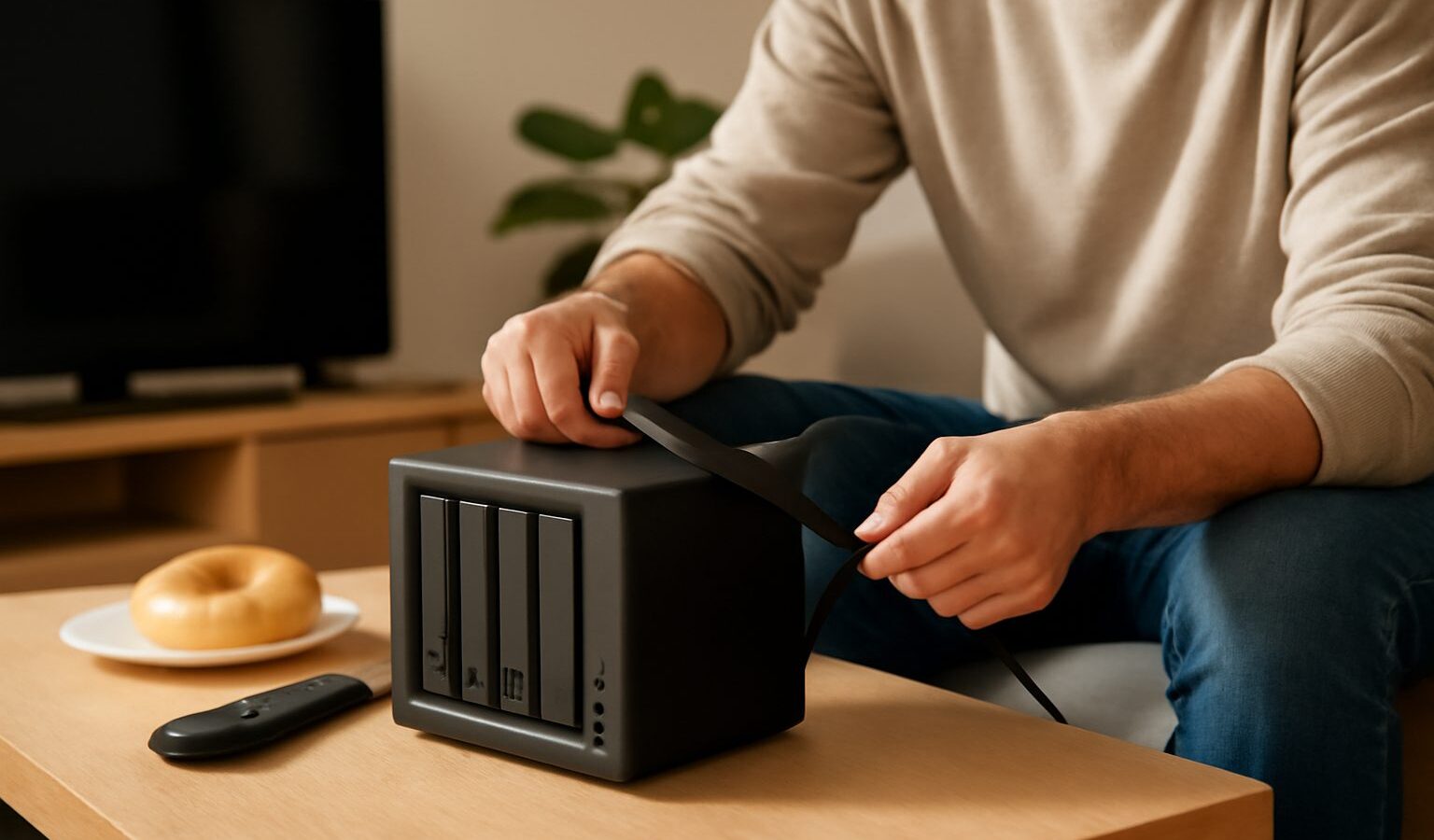
If you have a growing pile of your own movies, music, photos and recordings, you may have wondered whether there is a tidier way to enjoy them than juggling drives and files. A home media server singapore households are increasingly setting up does exactly that: it stores your own media in one place and streams it to the TVs, phones, tablets and computers around your flat over your home network. Think of it as your personal streaming library, running quietly in a corner, holding only the media you actually own.
This guide explains what a home media server is, the hardware choices, how the software fits together in general terms, and an important note on copyright. It stays brand neutral so you can apply the ideas to whatever you eventually pick.
What a home media server is
A media server is simply a device on your home network that holds your media files and makes them available to your other devices. Instead of copying a video onto each device, or plugging a hard drive into the TV, you keep everything in one central location. Any device in the house can then browse the library and play a file, streaming it across your Wi-Fi or wired network.
The appeal is convenience and control. Your library is organised in one place, with cover art, descriptions and neat categories rather than a messy folder of filenames. You can start a film in the living room and continue it on a tablet in the bedroom. Everyone in the household shares the same collection. And because it all runs locally, it keeps working even if your internet connection has a bad day, since the media is already sitting on the server in your home.
To be clear, this is about your own media. A media server is a way to enjoy content you already own and have legally obtained, not a way to acquire new content.
Hardware options
You do not need anything exotic to get started, and there are two common paths.
A NAS, or network attached storage, is a purpose built box that holds hard drives and connects to your network. It is designed to run all day, sipping power, and many models can run media server software directly. A NAS is the tidy, low fuss option: you set it up once, it sits quietly, and it often doubles as a place to back up your other devices. It usually costs more up front than repurposing hardware you already have, but it is built for exactly this job.
A spare PC or laptop is the budget friendly path. If you have an older computer gathering dust, it can become a perfectly good media server. You install the server software, connect your storage, and leave it running. The trade offs are that a full PC tends to use more electricity, can be noisier, and may need a little more tinkering to run reliably around the clock. For occasional use, though, it is a great way to start without spending much.
Whichever route you choose, storage is the part that matters most. Video files in particular can be large, so plan for more space than you think you need today. Many people use drives that can tolerate one failing without losing data, which is worth considering once your library represents real effort to build. Remember too that a media server is not a backup by itself, so keep a separate copy of anything irreplaceable, such as family photos.
The table below compares the two common starting points.
| Consideration | NAS | Spare PC or laptop |
|---|---|---|
| Up front cost | Higher | Low if you already own it |
| Power use | Low, built to run all day | Usually higher |
| Noise | Generally quiet | Can be noisier |
| Ease of setup | Designed for this, simpler | More hands on |
| Extra uses | Backups, file storage | General computing too |
How the software fits together
In broad terms, a media server system has two halves. The first is the server software that runs on your NAS or PC. It scans the folders where you keep your media, organises everything into a browsable library, and handles sending the video or music to whatever device asks for it. It is the librarian and the projector rolled into one.
The second half is the player, or client, that runs on your viewing devices. This might be an app on a smart TV, a streaming stick, a phone, a tablet or a web browser. The player connects to the server, shows you the library, and plays what you choose. Several popular media server platforms exist, and most follow this same server and client pattern, so the general idea carries across whichever you settle on.
A couple of practical points make the experience smoother. Organise your files sensibly, with clear folder names, so the server can match them to the right titles and artwork. And favour a wired network connection for the server itself where you can, since streaming larger video files puts real demand on your home network. A solid connection between the server and your router makes a noticeable difference, and a good mesh or Wi-Fi setup helps for the devices you carry around.
The legal and copyright note
This part is short but important. A home media server is for streaming media you own and have legally obtained. That includes films and music you have purchased, photos and videos you have taken yourself, and recordings you are entitled to keep. It is not a tool for downloading or sharing copyrighted content you do not have the rights to. Copyright law applies just as much in your living room as anywhere else, and the whole point of a personal media server is to make the most of the collection you legitimately have.
Kept within those lines, a media server is a genuinely satisfying project. Your own library, beautifully organised, available on every screen in the house, working whether or not the internet is behaving.
Getting started sensibly
If the idea appeals, start small. Pick the hardware you already have or a modest NAS, install one media server platform, point it at a folder of your own films or music, and try streaming to one device. Once you are happy with how it works, expand the library and add more players around the home. Building up gradually keeps the project fun rather than overwhelming, and by the end you will have a tidy, private streaming setup that is entirely yours.
Explore more
Home WiFi and Mesh Networking
Home Broadband
Cloud Storage and Backup
Syncing Your Files Across Devices