
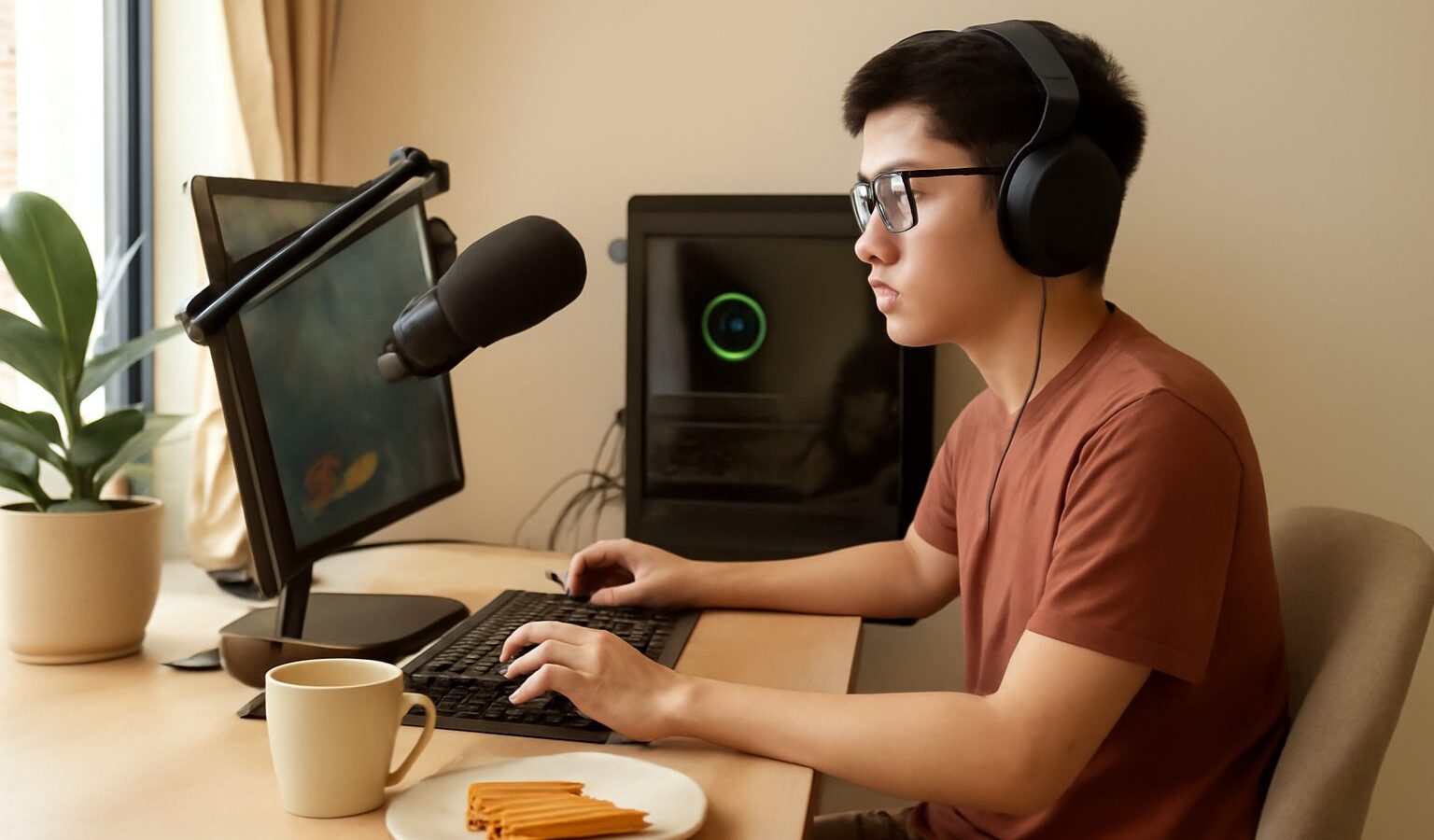
Watching someone play a game online and thinking “I could do that” is how a lot of streamers get started. The good news is that the barrier to entry is lower than it looks, and you almost certainly own most of what you need already. This guide walks a complete beginner through what it takes to stream your gameplay from home in Singapore, covering the gear, the software, your internet connection and the settings, so you can go live without spending a fortune or feeling overwhelmed.
What Streaming Your Gameplay Really Means
To stream your gameplay simply means broadcasting your game live over the internet so other people can watch in real time, usually on a platform such as Twitch or YouTube. Your computer or console captures what is happening on screen, mixes in your voice and often a small webcam view of you, and sends the whole thing out as a live video that viewers tune into.
This is different from recording. Recording saves a video file to watch or edit later, while streaming sends everything out live as it happens, with viewers able to chat with you as you play. Many creators do both, recording their streams so they can cut highlights afterwards. Understanding the difference helps you decide what you actually want, since a pure recording setup is simpler than a full live one.
The appeal is the connection. You are not just posting a video, you are hanging out with people who share your interest in a game, answering their chat, and slowly building a small community. That social side is what keeps most streamers going.
The Gear You Actually Need to Start
It is easy to believe you need a studio full of equipment, but a beginner can start with surprisingly little. Here is a realistic starter list, in rough order of importance.
- A machine that runs your game and streams at the same time. A reasonably modern gaming PC or a current console can handle both. Streaming does add some load, so a mid-range or better PC copes more comfortably.
- A decent microphone. Clear audio matters more than fancy video, because viewers forgive a modest picture but leave quickly if they cannot hear you. A gaming headset with a good mic is a fine start.
- Your internet connection. A stable home broadband line with enough upload speed is essential, since streaming sends video out rather than pulling it in.
- A webcam, optional. A small camera lets viewers see your reactions. Plenty of successful streamers skip it at first and add one later.
- Lighting, optional. If you use a webcam, a simple lamp facing you makes a big difference. You do not need a professional light to begin.
Notice how much of this you may already own. Resist the urge to buy everything at once. Start with what you have, learn the ropes, and upgrade only the piece that is genuinely holding you back.
Choosing How to Capture and Broadcast
How you get your game onto the internet depends on what you play on. There are three common routes, and the right one depends on your device and budget.
| Setup | How it works | Best for |
|---|---|---|
| Console built-in | Use the console’s own broadcast feature to go live directly | Absolute beginners on a console, minimal fuss |
| Single PC | Free streaming software captures the game and sends it out from one computer | PC players who want overlays and control |
| PC plus capture card | A capture card feeds a console’s video into a separate PC that does the streaming | Console players who want a polished, flexible stream |
Most PC beginners use free streaming software, which captures your game, lets you add overlays, alerts and a webcam view, and sends everything to your chosen platform. It looks daunting at first but has plenty of beginner tutorials. Console players can start with the built-in broadcast feature and move to a capture card later if they want more control.
Getting Your Internet and Settings Right
The single most common beginner headache is a choppy, freezing stream, and the usual culprit is the internet connection or the settings. When you stream, your connection has to upload video continuously, so upload speed and stability matter far more than the download speed most people focus on. A wired connection to your router is more reliable than wireless for streaming, and if you can only use Wi-Fi, sit close to the router.
Inside your streaming software, three settings shape your stream quality: resolution, frame rate and bitrate. Bitrate is the amount of data you send per second, and a higher bitrate looks sharper but demands more upload speed. The trick is to match your settings to what your connection can comfortably sustain rather than pushing for the highest numbers and stuttering. Start with a modest resolution and a middle bitrate, run a short test stream, and only nudge the quality up if it stays smooth. If your stream stutters, lower the bitrate or resolution first before blaming anything else.
Going Live for the First Time
Before you announce anything to the world, do a private or test stream so you can iron out the awkward bits with nobody watching. Check three things above all: that your game is visible, that your microphone is clearly audible and not too quiet or too loud, and that the stream is not stuttering. It also helps to write a short, clear title for your stream and pick the right game category so people can find you.
When you go live for real, keep it simple. Talk through what you are doing even if only a couple of people are watching, greet anyone who says hello in chat, and try not to obsess over the viewer count. Your first streams are practice, and every experienced streamer once played to an almost empty room. Keep an eye on your chat, be yourself, and end each stream having learned one small thing to do better next time.
Growing an Audience Without Burning Out
Building a following is slow, steady work rather than an overnight event, so protect your own enthusiasm. Streaming on a regular, predictable schedule helps people know when to find you, and being consistent matters more than being live every single day. Interacting genuinely with your chat, being friendly, and playing games you actually enjoy will carry you much further than chasing whatever is popular that week.
Look after yourself while you build. Sit comfortably, take breaks, drink water, and remember that streaming should stay fun rather than becoming a second job you resent. A quick word on the practical side: if your streaming ever starts earning money, through subscriptions, tips or sponsorships, you should register your activity with ACRA and check your tax obligations with IRAS, since income from content creation is treated like any other. Avoid comparing your early numbers to big creators, keep your expectations realistic, and enjoy the small wins as your little community grows.
Explore more
Want a smoother, more reliable stream? Start with our guide to improving your home internet for gaming, then learn the console route in detail with capture cards and recording gameplay. For clear audio that keeps viewers listening, see choosing a gaming headset.