
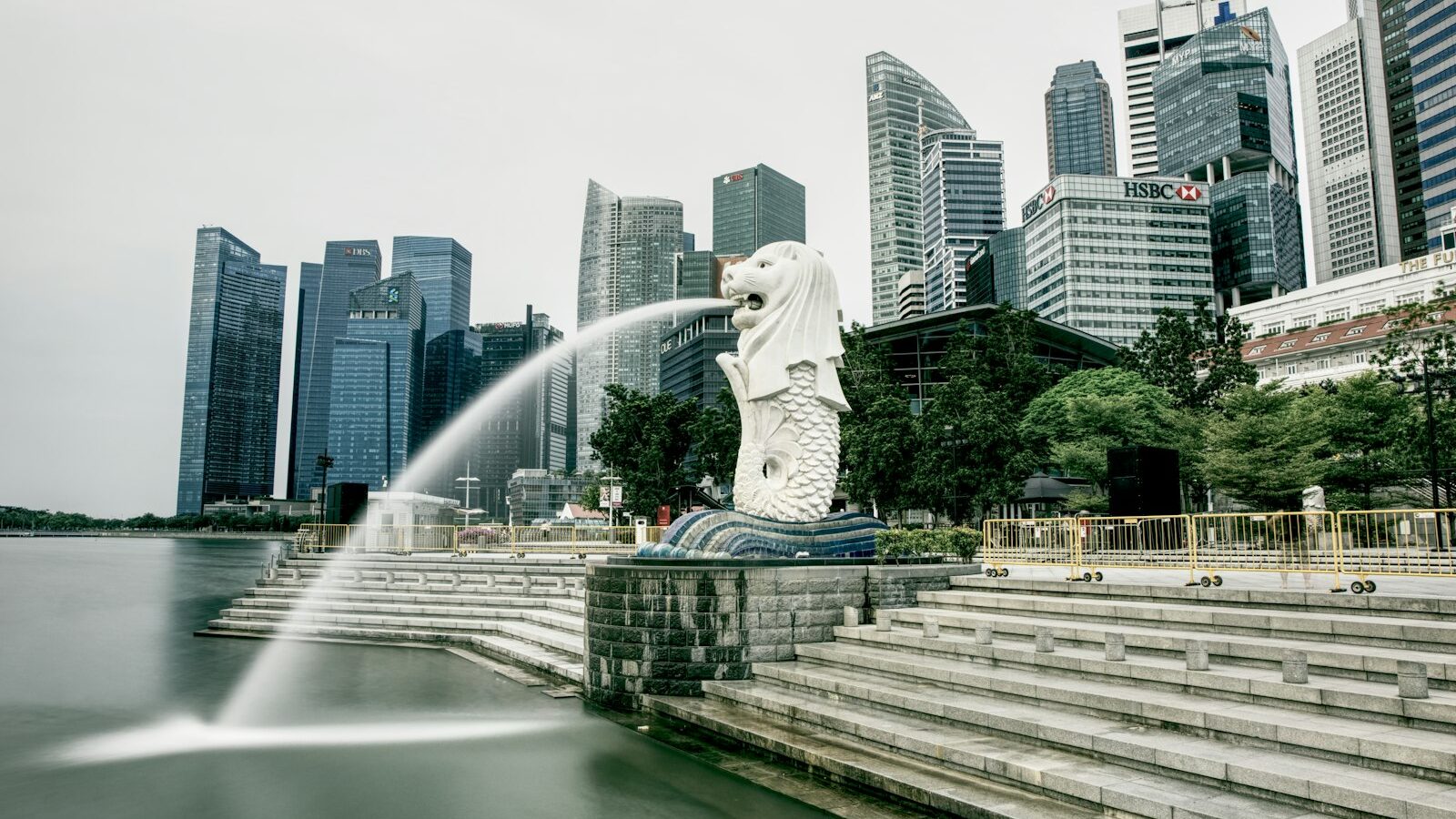
Few effects feel as satisfying as good slow motion: a splash of water hanging in the air, a friend’s laughter drawn out, a dog leaping in a park. Slow motion video works by capturing far more frames per second than normal, then playing them back at a standard rate, so a burst of real time unfolds slowly and smoothly on screen. It looks expensive and cinematic, yet almost every modern phone can do it, and a dedicated camera gives you even more control. Once you understand the simple maths behind it, you can plan slow-motion shots on purpose rather than hoping the mode does something nice.
This guide keeps things practical for both phone shooters and dedicated-camera owners, and it is grounded in the bright light and fast action we actually film in around Singapore.
How Slow Motion Actually Works
Normal video plays at around 24 to 30 frames per second, or fps, which is how many still images make up each second of footage. To create slow motion, you capture many more frames per second than that, then play them back at the normal rate. Because you gathered extra frames, they take longer to play, and motion stretches out smoothly.
The amount of slowdown depends on the ratio. If you film at 60fps and play it back at 30fps, the action runs at half speed. Film at 120fps and play at 30 and it runs at a quarter speed. Film at 240fps and it slows dramatically. The higher the capture frame rate, the slower and smoother you can go.
There is a trade-off. Capturing more frames per second usually means the camera gathers less light per frame and may drop resolution, so very high frame rates need bright conditions and can look slightly softer. That is a helpful thing to know, because Singapore’s abundant daylight is actually ideal for slow motion.
Choosing Your Frame Rate
Match the frame rate to how fast your subject moves and how slow you want it to appear. This table gives sensible starting points.
| Capture frame rate | Playback speed | Best for | Light needed |
|---|---|---|---|
| 60fps | Half speed | Walking, gentle gestures, pets | Moderate |
| 120fps | Quarter speed | Sports, kids running, water | Bright |
| 240fps | Around one-eighth speed | Splashes, jumps, fast action | Very bright |
| 30fps normal | Real time | Reference, everyday clips | Any |
Read it as a menu. For most everyday slow motion, 120fps hits a sweet spot of dramatic slowdown and manageable light. Reserve 240fps for genuinely fast action in bright sun, since it demands the most light and softens detail the most. On a phone, these appear simply as slow-motion options in the camera app; pick the higher setting for faster subjects.
Getting the Shutter Speed Right
Shutter speed decides how much motion blur each frame carries, and it matters even more in slow motion because you will scrutinise every frame. The old guideline is to keep your shutter at roughly double your frame rate. At 120fps, aim for a shutter near 1/240. At 240fps, aim for around 1/500.
That doubled shutter keeps a natural, cinematic blur. Too fast a shutter freezes each frame so hard that slowed footage looks strangely crisp and staccato, though some people like that sharp look for water droplets. Too slow a shutter is usually impossible at high frame rates anyway. Our guide to frame rates and shutter explains this doubling rule in full.
On a dedicated camera, set the high frame rate in the video menu, then set shutter and ISO manually. On a phone, the slow-motion mode usually handles shutter automatically, so your main job is to give it plenty of light. Because high frame rates drink light, film in bright conditions or add light rather than pushing ISO high, which introduces grainy noise.
Shooting Smooth Slow Motion
Follow these steps and your slow-motion clips will look deliberate.
- Find bright light. Slow motion loves light. Singapore’s strong daytime sun is perfect, so film outdoors or near big windows.
- Pick an action with movement. Slow motion flatters motion: water, hair, jumping, splashing, fabric, spinning. A still subject gains nothing from it.
- Stabilise your shot. Every wobble is magnified when slowed. Use a tripod or gimbal, or brace firmly. Our guide to choosing a tripod helps here.
- Start recording early. Begin a couple of seconds before the action and keep rolling after, because the exact moment is easy to miss and you want trimming room.
- Fill the frame with the subject. Move closer so the detail you are slowing down is large and clear.
- Check focus. Lock focus on your subject so it stays sharp through the movement, tapping to focus on a phone.
Slow Motion in Singapore
Our conditions play to slow motion’s strengths, with a few cautions.
- Abundant daylight. The bright tropical sun is exactly what high frame rates want, so midday, often too harsh for portraits, becomes genuinely useful for fast slow-motion action.
- Water everywhere. Fountains at the Gardens by the Bay, waves at East Coast, and monsoon rain all make superb slow-motion subjects. Protect your gear in the wet and keep a cloth handy.
- Humidity and lens fogging. Stepping from air conditioning into the heat fogs your lens, and soft, hazy slow motion is disappointing, so let the glass acclimatise and wipe it clean first.
- Sports and play. Kids at a playground, a football match, a skateboarder at a park, all shine in slow motion. Ask permission before filming identifiable people up close, be especially careful with children and get a parent’s consent, and delete footage on request. This is general guidance, not legal advice.
- Venue rules. Some locations restrict tripods or filming, and parks and nature reserves follow NParks guidance, so check before you set up.
Finishing Your Slow-Motion Clip
Most phones let you adjust which part of a clip plays slowly, so you can ramp from normal speed into slow motion and back for a more cinematic effect. In editing, place your slow-motion clip on the timeline, trim to the strongest moment, and consider easing in and out of the slow section rather than slamming into it. A well-chosen music track lifts the whole thing. Our guide to editing videos on your phone walks through the process on a small screen.
Slow motion video is one of the most rewarding effects you can learn, and Singapore’s bright light removes its biggest obstacle. Choose a frame rate to suit the action, keep your shutter near double the frame rate, find good light, stabilise hard, and film something with real movement. Do that and ordinary moments will start to look genuinely cinematic.
Explore more: understanding frame rates and shutter for video, how to shoot a time-lapse, how to choose a tripod, and editing videos on your phone.