
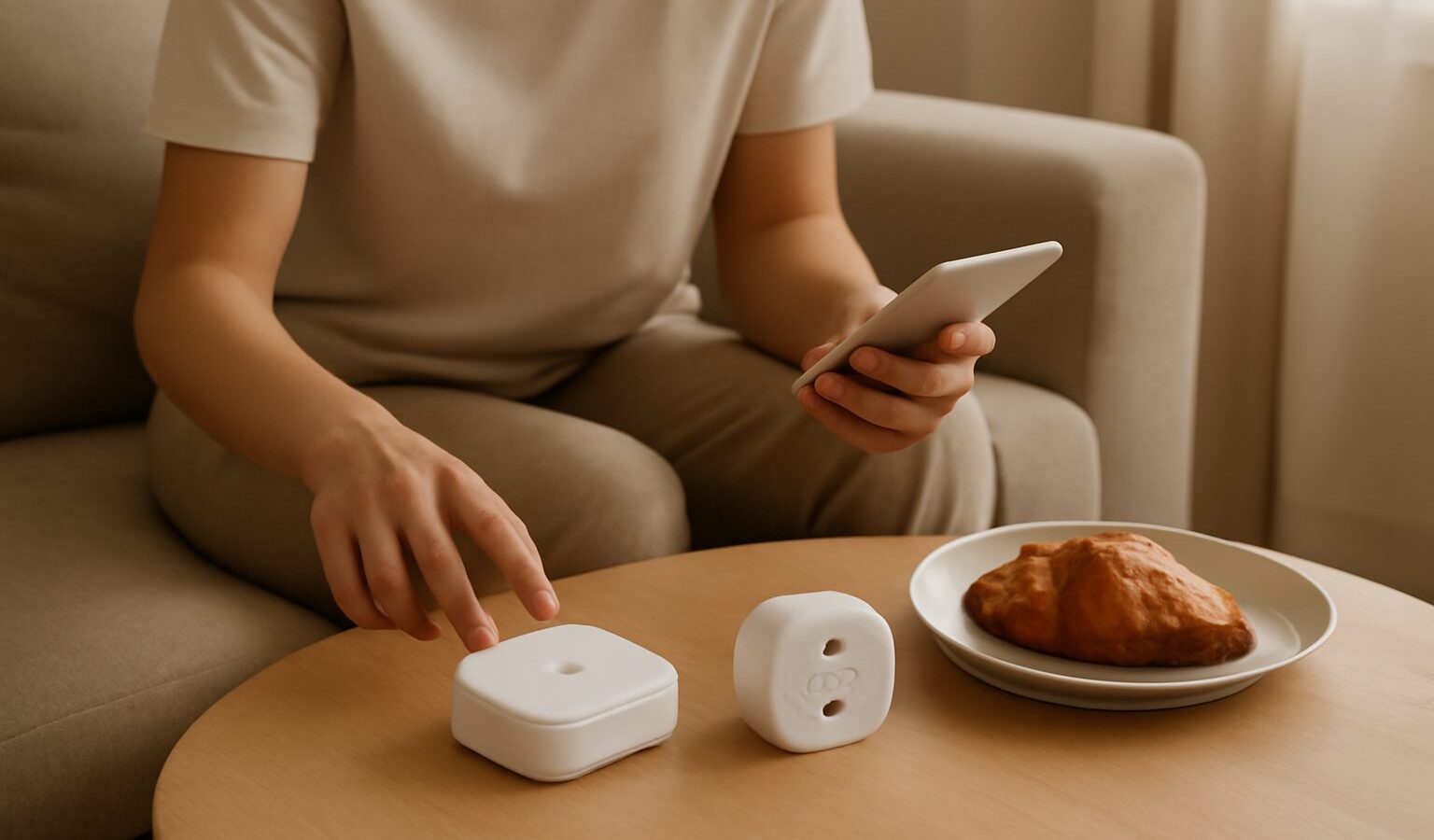
As you add more connected gadgets, you eventually bump into words like hub and bridge, and it is not always clear whether you need one. A smart home hub in Singapore can be the difference between a setup that works reliably and one that keeps dropping devices, so it helps to understand what these boxes do before you buy more kit. This guide explains hubs and bridges in plain terms and how to decide whether they belong in your home.
Hub Versus Bridge, in Plain Terms
A hub is a central device that connects to your smart gadgets and lets them talk to each other and to your phone. Many smart devices do not use Wi-Fi directly. Instead they use low-power radio protocols designed for battery-friendly sensors and switches. Your router does not speak those languages, so a hub acts as the translator, taking those signals and passing them onto your network and out to your apps.
A bridge is a more specific version of the same idea. It is usually tied to one brand or one type of device, translating that product family’s signals into something your network understands. A lighting brand, for example, might sell a bridge that its bulbs connect to. In everyday use the terms blur together, and a single device is often described as both. What matters is the job they do, not the label.
Why does any of this exist rather than everything just using Wi-Fi? Two reasons. First, battery life, since the radios used by many sensors sip far less power than Wi-Fi, so a door sensor can run for a year or more on a coin cell. Second, network load, because a home with dozens of gadgets would swamp a router if every one demanded a Wi-Fi connection. Offloading them onto a hub keeps your network breathing. Our guide to Matter and Thread smart home standards explained goes deeper into the protocols behind this.
Do You Actually Need One
Not every home needs a separate hub, and it is worth being honest about that before spending. Whether you need one depends on the devices you choose.
- You may not need a standalone hub if you stick to Wi-Fi-based gadgets, since smart plugs, many cameras, and some bulbs connect straight to your router and app.
- You may not need one if your smart speaker or smart display already has a hub built in, as some do, letting them control certain low-power devices directly.
- You likely do need one if you want the battery-friendly sensors, switches, and locks that rely on those low-power radios, or if you want everything managed reliably in one place.
There are real benefits to running a hub even when you could scrape by without one. Devices tend to respond faster and stay connected more reliably, local control means some things keep working even if your internet drops, and you get a single app to manage a mixed collection rather than juggling several. Our guide to choosing a smart home ecosystem helps you pick a platform before you invest in a hub, since the two decisions go hand in hand.
Because we will not push a specific product, the sensible approach is to check which hub works with the ecosystem and devices you have chosen, then read current reviews for reliability. Avoid buying a hub for its own sake. Buy it because the devices you want need one.
Setting Up and Living With a Hub in an HDB Flat
Placement matters more than people expect. A hub often connects to your router by cable, so it tends to live in the same corner as your networking gear. But its wireless range to your devices depends on where it sits, so a hub tucked inside a cabinet or shoved behind the TV may struggle to reach a sensor at the far end of the flat. In a long HDB layout, a central and open position helps signals reach every room.
A few practical notes for renters and owners alike. Hubs are small and need only power and a network link, so they suit flats where you cannot rewire anything. Some low-power devices can extend the network by relaying signals for each other, which helps coverage as you add more. And keep the hub’s software updated, since these updates often improve stability and security. If you are just starting out, our guide to smart home setup walks through the whole process from scratch.
The takeaway is simple. A hub is not a gadget you buy for its own sake, it is the plumbing that makes a larger smart home dependable. Decide on your ecosystem and devices first, add a hub only if they need one, place it centrally, and keep it updated. Get that foundation right and everything you add later will behave far better.