
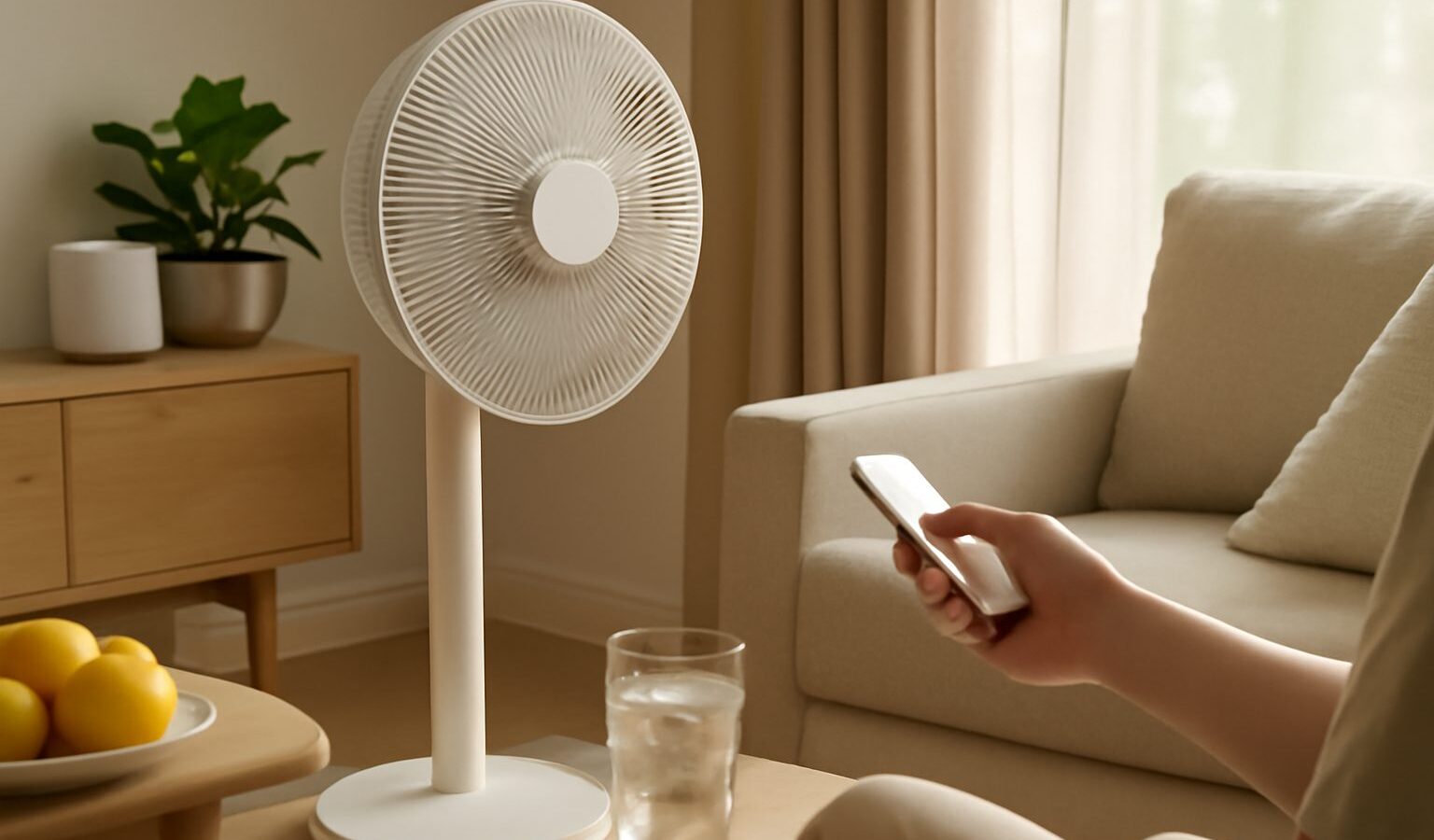
In a climate that stays warm and humid all year, staying cool is not a luxury, it is daily life. Air-conditioning does the heavy lifting, but running it around the clock is expensive, so a growing number of households are adding smart fans and other cooling gadgets to fill the gaps. If you are shopping for a smart fan singapore weather makes a genuinely useful buy, this guide explains the categories, the features worth paying for, and what to check before you spend. There is no single “best” model here, because the right choice depends on your room, your budget, and how you live.
What Makes a Fan “Smart”
A smart fan is simply a fan you can control beyond the buttons on its body. The extras vary, so it helps to know which features exist and which you will actually use.
Common smart features include:
- App control over your home Wi-Fi, so you can adjust the fan from the sofa or before you get home.
- Voice control through a smart speaker, handy when your hands are full.
- Scheduling and timers, for example switching on before you wake and off after you fall asleep.
- Temperature or humidity sensing, so the fan can respond to how warm the room actually is.
- Automations that link the fan to other devices, such as turning on when the room passes a set temperature.
Beyond the “smart” label, the basics still matter most. Look at airflow and coverage for your room size, the range of speeds, and how quiet it is on low, which matters a lot for a bedroom. Many people find that oscillation, tilt, and a genuinely low quiet setting make more difference to comfort than any app feature.
If you already run a smart home, check that the fan works with the ecosystem you use rather than forcing you into yet another app. Our guide to smart plugs and switches shows a cheaper route too: plug an ordinary fan into a smart plug and you get app and schedule control without buying a whole new fan, though you lose speed and oscillation control.
Types of Cooling Gadgets
“Cooling gadget” covers more than the classic standing fan. Knowing the categories helps you match the tool to the room.
- Tower and pedestal fans: a good all-rounder for living rooms and bedrooms, with a slim footprint that suits smaller flats.
- Bladeless and high-airflow fans: often quieter and easier to clean, usually at a higher price.
- Circulator fans: designed to push air across a room, useful for moving cool air from an aircon further into the space.
- Clip-on and desk fans: small and targeted, ideal for a home-office desk or a study corner.
- Portable and rechargeable fans: handy on a balcony or during an outing, though battery life varies widely.
Two categories deserve caution. Evaporative or “misting” coolers add moisture to the air, which can help in dry climates but does far less in Singapore’s already humid conditions, and can even make a room feel muggier. Small “personal air-conditioners” that sit on a desk are usually just misting fans with big claims, so read independent reviews before believing any advertised temperature drop. Because the marketing around cooling gadgets is full of exaggerated numbers, treat headline specs as a starting point and check current, independent reviews for real-world performance.
What to Look For in Singapore Homes
Local living shapes what works. Most of us are in HDB flats or condos, often renting, so a few practical points apply.
Think about:
- Noise: with windows often open and rooms compact, a fan you can barely hear on low is worth a premium for bedrooms.
- Size and placement: a bulky tower fan can crowd a small living room, so measure your space first.
- Cleaning: our humidity means dust clings, so a fan that is easy to wipe down stays effective longer.
- Energy use: fans are far cheaper to run than aircon, and pairing the two lets you set the aircon a little higher while a fan keeps the air moving.
That last point is the real money-saver. A fan does not lower the room temperature, but it moves air across your skin so you feel cooler, which means you can nudge the aircon up a degree or two and still feel comfortable. If you want to see the effect on your bill, monitoring your home energy use with tech shows how to track it. For the aircon side of the equation, a smart aircon controller can add scheduling and app control to a unit you already own.
Renters have it easier with fans than with fixed installations, since a smart fan needs nothing more than a power point. If you are building out a wider setup on a budget, our notes on smart home for HDB flats and renters cover what works without drilling or rewiring.
A Practical Wrap-Up
A smart fan is one of the easiest and most affordable upgrades for a warm-climate home, but do not let the app features distract you from the basics. Get the airflow, quietness, and size right for your room first, then decide which smart extras you will genuinely use. Be sceptical of misting “coolers” and dramatic temperature claims, pair a good fan with your aircon to save on running costs, and check current independent reviews before you settle on a model. Match the gadget to your space and budget, and you will stay comfortable without a painful electricity bill.