
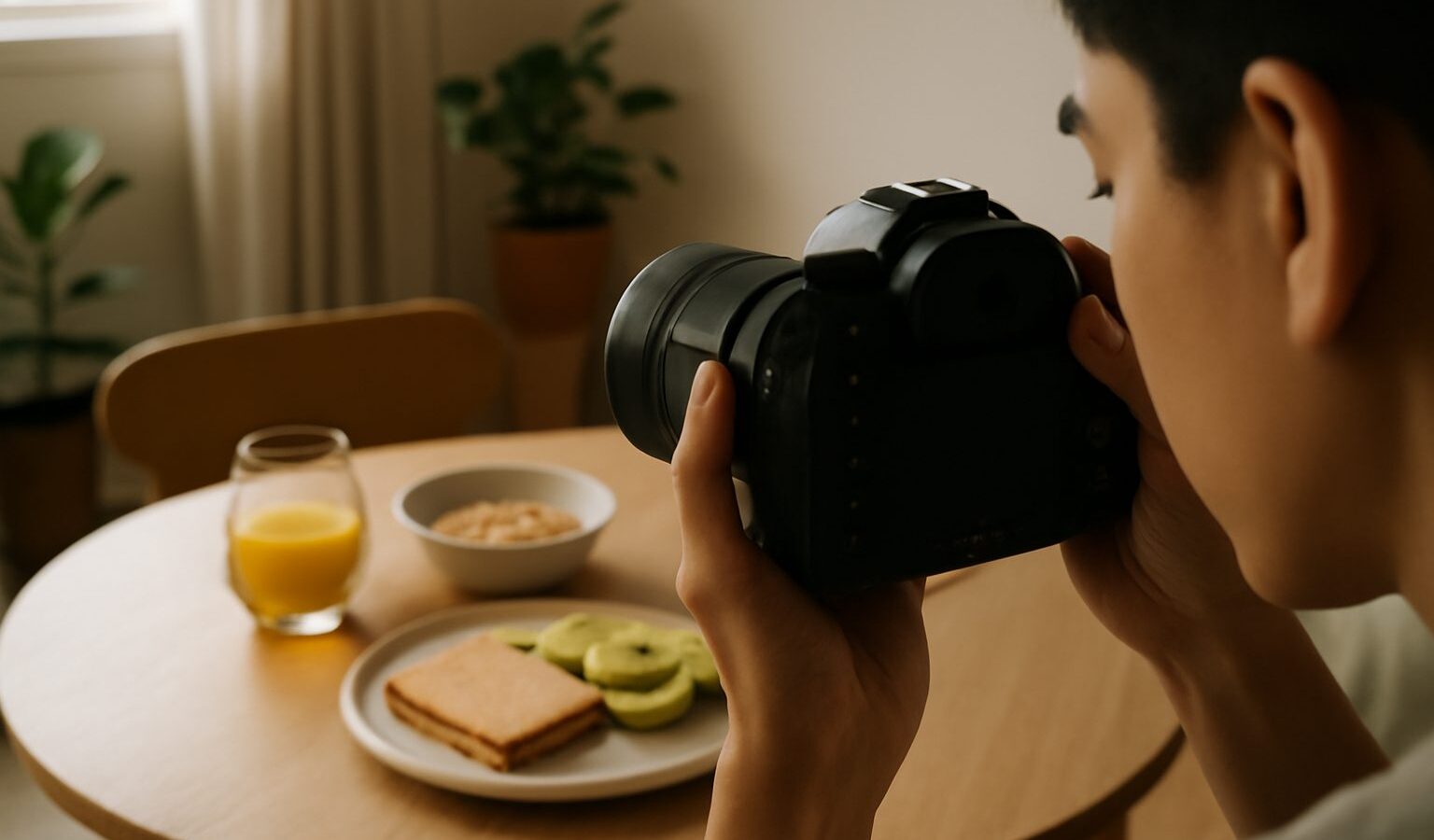
If your camera keeps refocusing at the wrong moment, or you lose the shot every time you recompose, back-button focus is the fix that many photographers wish they had learnt sooner. It is a small change to how your camera works, and it takes ten minutes to set up, but it gives you cleaner control over sharpness in exactly the fast, unpredictable scenes Singapore serves up.
This guide explains what back-button focus is, why it helps, how to set it up on a dedicated camera, and how phone shooters can borrow the same thinking even without the exact button.
What Back-Button Focus Means
On most cameras, pressing the shutter halfway does two jobs at once: it focuses and it meters the exposure, and a full press then takes the photo. Back-button focus splits those jobs apart. You move the focusing job to a button on the back of the camera, usually pressed with your thumb, often labelled AF-ON. The shutter button then only meters and fires.
The result is that focusing and shooting become separate actions you control independently. You focus when you choose to, by pressing the back button, and you shoot when you choose to, by pressing the shutter, and the two no longer interfere with each other.
That separation sounds minor, but it removes a whole category of frustration: the camera grabbing focus at the wrong instant just because you pressed the shutter.
Why Photographers Switch To It
Back-button focus solves several everyday problems in one move.
Focus and recompose without losing lock. With the shutter doing the focusing, recomposing risks a refocus on the new centre. With back-button focus you press the thumb button once to lock on your subject’s eye, release, then reframe and shoot as many times as you like. Focus stays exactly where you put it. This is gold for portraits at the Botanic Gardens where you place focus on an eye then recompose for a nicer background.
Switch between still and moving subjects instantly. Leave your camera in continuous autofocus all the time. Hold the back button down and it tracks a moving subject, like a child running at the playground or a bird lifting off at Sungei Buloh. Tap and release, and focus stays put for a static subject. You get both behaviours without ever changing a menu.
No accidental refocusing. Shooting through the mesh at the zoo, or past foreground leaves at MacRitchie, the shutter will no longer yank focus onto the barrier at the last second. You lock once, past the obstruction, and it holds.
Cleaner burst shooting. For sports and action, you hold the back button to keep tracking while firing a burst, and the two never fight.
Setting Up Back-Button Focus On Your Camera
The exact menu names vary by brand, but the steps are the same. Check your manual for the precise wording.
- Open your camera’s custom controls or button customisation menu.
- Find the AF-ON button, or if your camera lacks a dedicated one, reassign a rear button such as the AE lock button to “AF-ON” or “focus start”.
- Change the shutter button behaviour so that a half press no longer focuses. This is often a setting like “shutter half press: metering start” or “AF activation: back button only”. This step is essential, otherwise both buttons focus and you gain nothing.
- Set your autofocus mode to continuous, sometimes shown as AF-C or AI Servo, so the back button can both track and lock depending on how you hold it.
- Take test shots. Press only the shutter: it should meter and fire without focusing. Press the back button: it should focus.
Give yourself a week of ordinary shooting to build the thumb habit. It feels strange at first and natural soon after. If you truly dislike it, the change is fully reversible in the same menu.
Comparing The Two Approaches
Here is how the standard setup and back-button focus behave across common tasks.
| Task | Shutter-button focus | Back-button focus |
|---|---|---|
| Focus then recompose | Risky, may refocus on new centre | Locks once, stays put |
| Static subject, quick candid | Refocuses every press | Focus held, just shoot |
| Tracking a runner | Works, but tied to shutter | Hold thumb, fire freely |
| Shooting past a fence or glass | Often grabs the barrier | Lock past it, holds |
| Switching still to moving | Needs a mode change | No change, just how you hold |
The pattern is consistency. Back-button focus gives you one setup that handles still and moving subjects, so you stop reaching into menus mid scene and miss fewer moments.
How Phone Shooters Can Copy The Idea
Phones do not have a rear AF button, but the underlying skill, separating focus from the moment you shoot, still applies.
In most phone camera apps, tap the screen where you want to focus, then tap and hold until you see a focus lock indicator, often labelled AF lock or a small lock icon. Focus is now fixed. You can recompose and shoot without the phone refocusing, which is the same benefit back-button focus gives.
To release the lock, tap anywhere else on the screen. Some apps lock exposure at the same time, which you may or may not want, so check whether your app separates the two. Third party manual camera apps often give independent focus and exposure locks, closer to the control a dedicated camera offers.
The habit worth building on any device is the same: decide what should be sharp, lock focus on it deliberately, then concentrate on framing and timing.
When To Keep It Simple
Back-button focus is a tool, not a rule. There are moments when the standard setup is genuinely easier.
- Handing your camera to a friend to take a group shot, when explaining the thumb button wastes time.
- Casual snapshots where you are not chasing critical sharpness and speed matters more than precision.
- Total beginners still learning exposure, who may find one less thing to think about helpful at first.
For those cases, either switch the shutter back to focusing, or simply remember to press the back button as a normal habit. There is no prize for using a technique that slows you down in a given moment.
For most people who shoot people, pets and action, though, back-button focus quickly becomes the setup they never turn off. It pairs naturally with the autofocus modes you choose for each scene and with careful metering, so your sharp subject is also well exposed.
Give it a fair trial across a weekend of real shooting at the park, a hawker centre or a family gathering. Once the thumb press becomes muscle memory, you will wonder how you managed without it.
Explore more: Understanding Autofocus Modes, Understanding Metering Modes, How to Freeze Fast Motion, and Panning to Capture Motion.